


Microsoft Word Apps - Free Download & Official Reviews

Microsoft Word
 4.8
4.8
Microsoft Word has been setting the standard for professional document making for ages, and now its mobile app sort of carries that same legendary “works every time” power right onto your smartphone. Whether you’re shaping contracts, revising summaries, or teaming up with coworkers across different time zones, Word gives you a smooth full-feature layout for writing, so you stay effective wherever your day decides to go.
Install Microsoft Word Securely
4.8
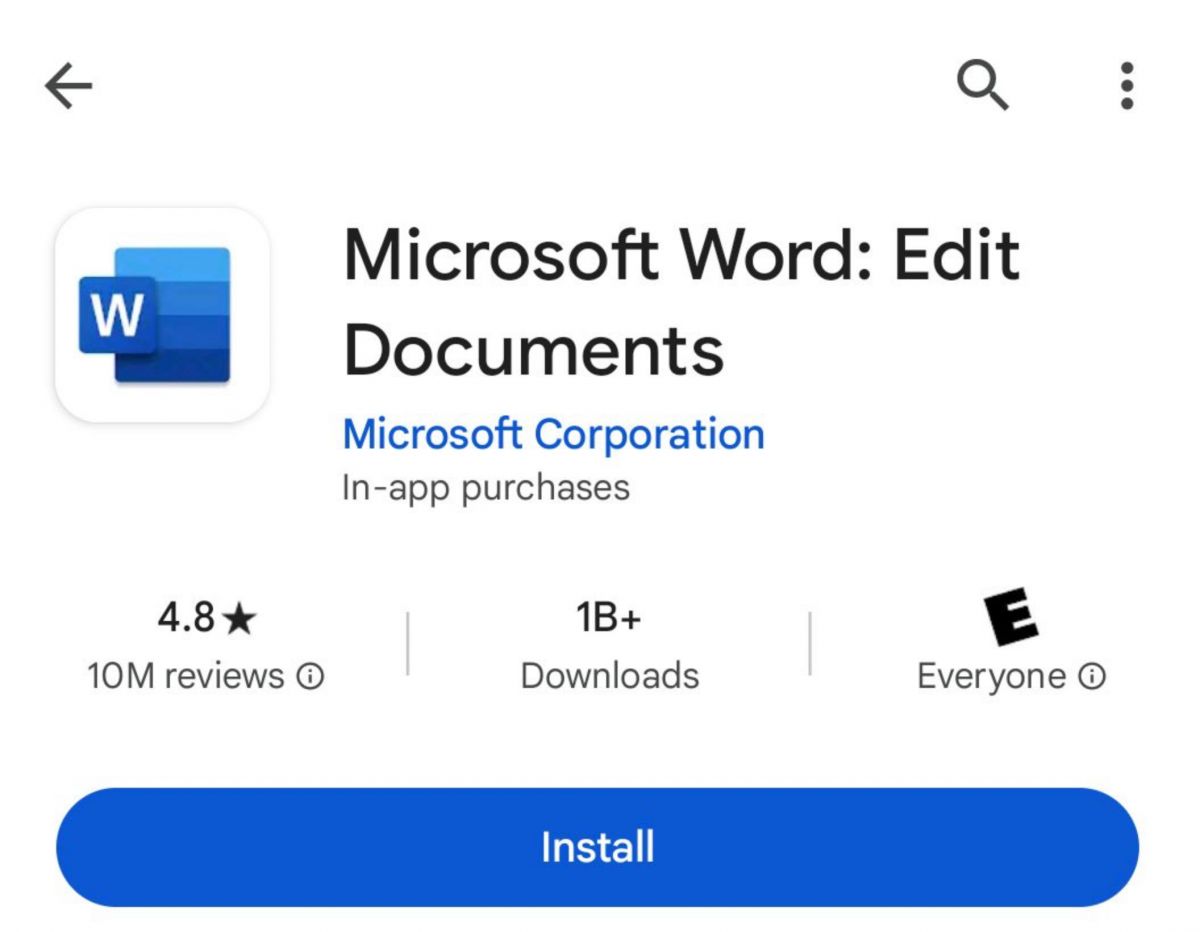
Android (Smartphones & Tablets):- Open the Google Play Store on your Android phone, then tap the search bar at the top.- Enter “Microsoft Word” and choose the official listing linked to the developer name “Microsoft Corporation”.- Tap Install, let it download, the app itself is free and there’s no purchase required just to put it on your device.- Once installed, tap Open and sign in using your existing Microsoft account, or set up a new one for free.- Allow the app access to your storage and files when asked, so you can open, save, and export documents smoothly.- If your company runs Microsoft 365 Business or Enterprise, sign in with your work credentials to reach shared libraries, team templates, and IT-controlled security settings.Word is regularly updated for both iOS and Android and provides almost the same functionality. Use the same Microsoft account on every device and each document will be available, up-to-date and backed up.
Master Microsoft Word for Mobile Efficiency
4.8
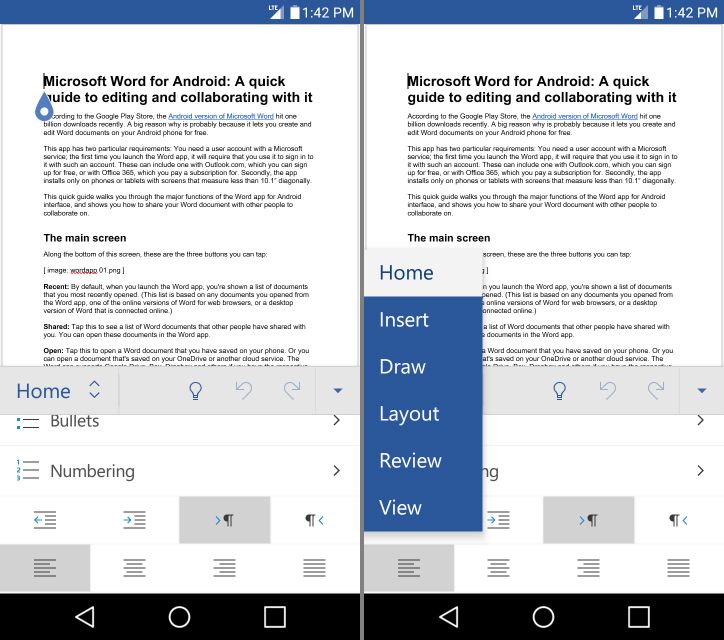
Focus Mode also helps a lot with mobile productivity. It removes most interface clutter, leaving only your text on screen—so distractions shrink, and writing feels easier. Add Word’s built-in word count tracker, and you get a clean, distraction-light writing space that can compete with dedicated writing apps.Word on mobile also handles styles and templates in a pretty strong way. You can apply heading levels, body styles, and document themes with a single tap, so documents you create on the go look properly finished, not half-done. Pre-built templates, like meeting agendas or project proposals are easy to reach directly in the app, which gives you a professional starting point even when you’re working against the clock.Last, but certainly not least is the mobile friendly "Reading View". Switching to Reading View when viewing a document instead of editing it will reconfigure the document for easy reading on screen, changing both the size and layout of the text. When used with Word's powerful comment and track-changes capabilities, it can truly streamline the reviewing and presenting process of documents on the go, rather than it being a frustrating and sub-optimal compromise.
Microsoft Word Makes Real-Time Collaboration Simple
4.8
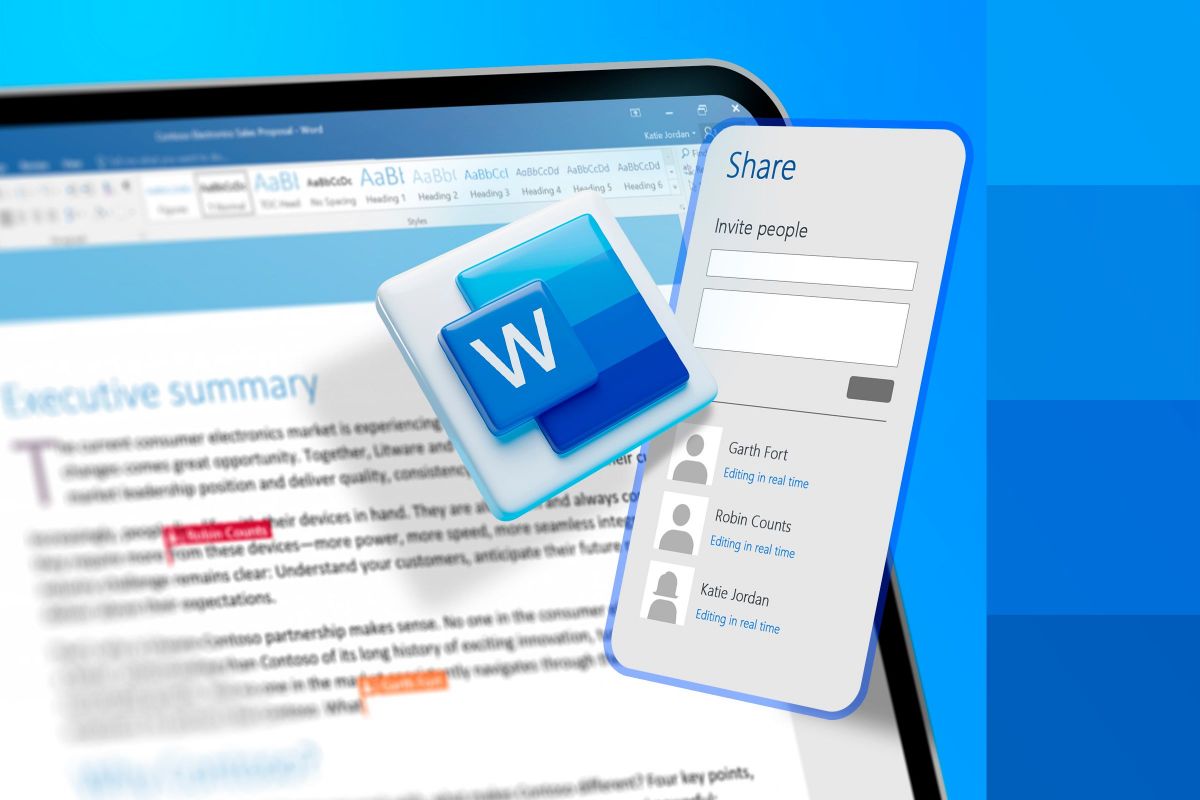
Now when several authorized people open the cloud-hosted document at once, the app shows colored markers plus those moving cursors so you can see where each participant is working and what they are actively typing. This real-time synchronization avoids this old annoying habit of emailing versions back and forth, which often leads to scattered data or version control clashes. You can actually watch sections being drafted, changed, rearranged, and refined live, and the whole group workflow stays more agile than before.To run that shared editing effectively, the "Comments" and "Track Changes" tools are basically must-haves. Collaborators can mark specific lines or sentences, then add threaded comment feedback right beside the text, so the discussion stays relevant. Also turning on Track Changes forces the system to record every change, removal, or new addition that anyone makes. Then as the main author you can review the logged edits, accepting or rejecting changes one by one. This gives you a final digital document that benefits from group input, while still preserving the intended structure and professional accuracy needed for official publication, and honestly it keeps everything cleaner.
Deploy Microsoft Word’s Intelligent AI Utilities
4.8
Another highlight is the Rewrite feature. Select a passage, ask Copilot to rewrite it, and mention the tone or formality level, maybe also the preferred length. Then it gives multiple alternate versions for you to pick from. So if you want a paragraph shorter, or you want to move from casual to authoritative, or you’re rephrasing for a different audience, Copilot handles that pretty quickly and with decent sense.Copilot can offer help with document formatting and structure. Tell it to "add a table of contents" or "format this as a formal business report" and it will reformat your document. If you're someone who knows what you're looking to convey, but not exactly sure how to present it in a professional manner, then this is truly a game-changer since you can create polished, well-organised output without needing to deeply know how to manipulate Word's formatting tools.
How to Keep Microsoft Word at Its Best and Latest
4.8
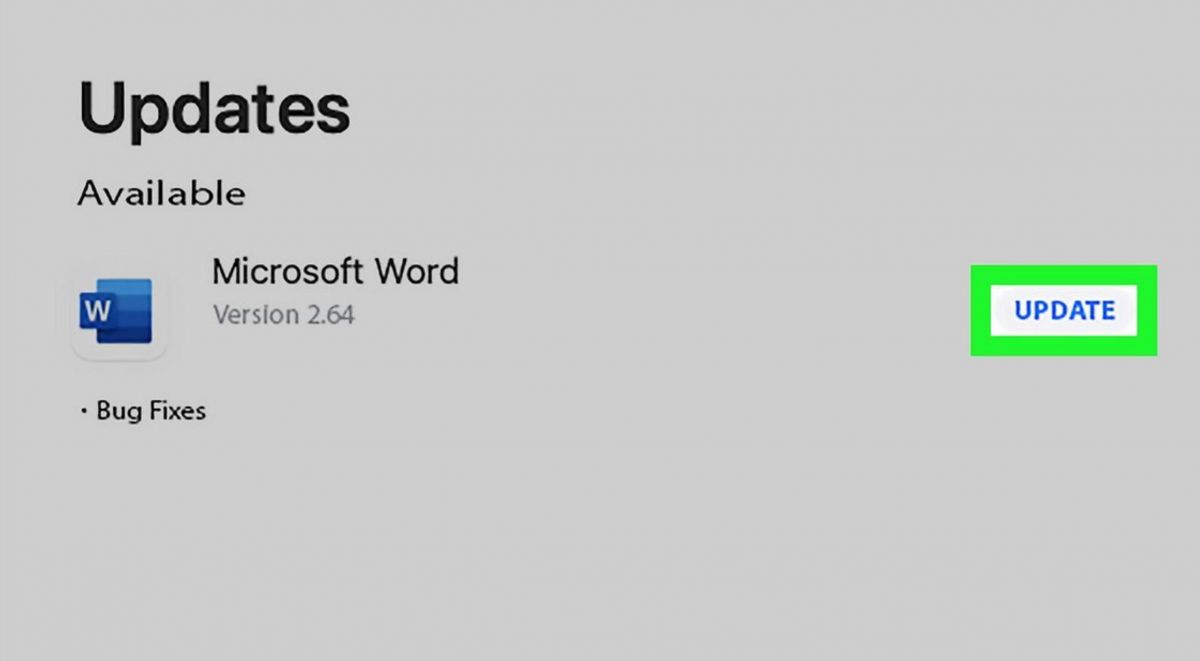
Updating on Android:- Open the Google Play Store and tap your profile icon in the top-right corner.- Select Manage apps & device, then tap Updates available to see a list of pending updates.- Locate Microsoft Word in the list and tap Update, or tap Update All to update everything at once.- To enable automatic updates for Word specifically, navigate to the Word page in the Play Store, tap the three-dot menu in the top-right corner, and select Enable auto update.- Ensure you are connected to Wi-Fi before updating to avoid consuming mobile data — Word updates can be sizeable given the app's feature richness.

Strengths Offered by Google Pay for Contemporary Transactions
4.2
1.Universal CompatibilityGoogle Pay connects Android and iOS platforms for sending money via smartphones, smartwatches, and the web. Whereas Apple Pay is limited to iOS, Google Pay works with millions of Android devices around the world and offers some iOS support in markets like the USand India.2.Enhanced SecurityUsing tokenization, card numbers are substituted by unique virtual codes for each transaction, mitigating risk of fraud. More than 90% of transactions are insulated from fraud and safety is augmented with features like biometric authentication and real-time fraud detection.3.All-in-One Digital WalletIn addition to making payments, Google Pay includes transit passes and boarding passes as well as loyalty cards and event tickets. Its compatibility with Google Flights’ price-drop warranty serves as another example of its flexibility.4.Streamlined Business OperationsTraders will enjoy quicker checkouts (20% faster than ever takes before) because the tracking of transactions is done for you and it becomes much easier to keep track of your books. Customers’ expense data made available to them helps creates a focused marketing resulting in increased ROI.5.Cost-Efficiency and AccessibilityFree for customers, Google Pay does away with charges associated with transferring funds, paying and collecting money (except in some linked-card transactions). It’s accepted around the world at millions of shops and sites, which is a convenience factor.

Ensure Privacy During Using Zoom
4.7
Privacy Tips1. Always enable an automatic ID and create passwords for your meetings to prevent unauthorized access.2. Enable waiting rooms lets hosts screen participants before they join the meeting, adding an extra layer of security.3. Set screen sharing options so that only hosts can share their screens unless permission is granted to others.4. Limit chat functions during meetings by allowing participants to chat only with hosts if necessary.5. Limit what information is publicly visible in your profile.

Download and Install YouTube
4.7
Precise StepsAndroid Devices1. Open Google Play Store.2. Click on the search icon and type “YouTube.”3. Select YouTube from the list given. More directly, visit the downloading page from here https://play.google.com/store/apps/details?id=com.google.android.youtube.4. Tap on “Install” to initiate the download and installation process. Make sure there is enough storage space on your device and a proper internet connection.iOS Devices1. Open the App Store.2. Key in “YouTube” in the search bar.3. Touch YouTube from the search results. In a more straightforward way, get access to the same destination page from here https://apps.apple.com/us/app/youtube/id544007664.4. Click on “Get” to download and install the app. You might be asked to enter your Apple ID password.PC/Laptop (Windows/Mac):For users on PC, you are not required to download any extra application; instead, you can access its official site https://www.youtube.com using any web browser.