Hot App Reviews - Best Free Apps Download & Guides

Install Instagram at No-Cost

WhatsApp Setup

Download and Install YouTube

Alternatives of Play Store
 4.8
4.8
Let’s take a closer look at some of the popular Play Store alternatives.1. Aptoide- A community-driven marketplace boasting millions of apps, without any geo-restriction.- Users can upload their own apps with relative ease, promoting diversity in available content.2. Amazon Appstore- Provides a wide array of applications with strong developer support.- Commonly known for integrations involving Amazon devices such as Kindle Fire.3. APKPure- The app addresses a wide, varied provision of APK files directly to users for self-installation.- Very helpful in apps that are not published in your region or have restrictions via Google policy.4. F-Droid- Exclusively features open-source applications.- Ideal for users who value privacy and transparency in software development.

Amazon Shopping’s Top Competitors
4.8
1. The emergence of such a powerful alternative is that of Walmart: online shopping combined with the benefit of a wide physical store network. Walmart+ membership benefits like free delivery, in-store shopping with scan and go, and fuel discounts come with the app. It is particularly strong at grocery shopping with same day pickup and delivery options and at competitive prices.2. Target is positioned as a curated shopping experience with a sleek interface and rewards program called Target Circle. The app differentiates itself from other apps with the inclusion of fashionable yet affordable private labels, same-day delivery via Shipt, and Drive Up. Its strength lies in combining fashion, home décor, and everyday essentials with a more refined shopping experience.3. eBay distinguishes itself with both an auction-style and fixed-price listing. The platform excels in unique, secondhand, and collectible items. Key features: image search capability, personalized offers, real-time price alerts, robust messaging system for buyers and sellers to connect. The app does offer authentication services for luxury4. Costco brings the warehouse club experience to mobile shopping, featuring bulk pricing and exclusive benefits for its members. The app features integration with a digital membership card, same-day grocery delivery, pharmacy services, and special online-only deals. While offering fewer products than Amazon, it emphasizes quality and value through carefully curated selections.5. AliExpress specializes in shopping directly from the manufacturer, with very competitive prices. This platform boasts a vast product array, buyer protection, image search, and real-time translation, even though its delivery times are usually longer. Gracie app features include games, coins, and flash deals, among other things that make using this app very entertaining.

Download Walmart Easily
4.8
Download Walmart on Mobile DevicesFor iOS (Apple devices):1. Open the App Store.2. Tap on the Search tab at the bottom.3. In the search field, type Walmart. More simply, just visit the downloading page directly from here https://apps.apple.com/us/app/walmart-shopping-savings/id338137227.4. Tap Get next to Walmart in the results list to download.5. Once downloaded, tap Open to begin the setup process for the app.Android Devices1. Go to the Google Play Store.2. Tap the Search icon at the top.3. Type Walmart and then select the app from the results. Or you can go to the same page from here https://play.google.com/store/apps/details?id=com.walmart.android&hl=en_USwithout any effort.4. Tap Install to download it.5. Once installed, open the application and follow through on the setup.To use Walmart on a computer:1. Open your web browser of choice and go to Walmart’s official website from here https://www.walmart.com.2. All functionality can be accessed from the website, with no need to download an application.

Update Citi Mobile Across Devices
4.9
On Android Devices1. Launch Google Play Store.2. Search for “Citi Mobile.”3. Tap “Update” if available.4. Wait for the download and installation to complete.5. Open the application to make sure that it is working fine.On iOS Devices1. Open the App Store.2. Tap your profile, then “Available Updates.”3. Find Citi Mobile and tap “Update.”4. Wait for the installation to finish.5. Open the app again to see if it is updated.Via PC or Web Portal1. Access the Citi website.2. Go to Citi Mobile section.3. Make sure that browser versions are updated to avoid compatibility issues.4. Clear cache or cookies if any errors pop up.

ParkMobile Pro Benefits Explained
4.5
Subscribing to MembershipTo enroll in ParkMobile Pro:1. Launch the App or Website: Launch ParkMobile on your device, or open parkmobile.io.2. Tap to Open Settings Menu: Enter your account settings by tapping on your profile icon.3. Upgrade Option: Select “Upgrade to Pro”.4. Payment Process: Te follow the prompts for payment, usually around $0.99 per month, and your Pro membership will be activated.Unique FeaturesBy signing up with ParkMobile Pro, a host of premium features are unlocked for its users:1. Parking Availability Notifications: Get notifications on available spots near your location in real time, based on your preference.2. Quicker Checkouts: Experience faster checkouts during peak hours while booking parking spots.3. Priority Customer Support: Have priority access to special support channels for inquiries and issues about your reservations or how to manage your account.Using Pro FeaturesTo use these features:1. When looking for a place to park, have location services on to notify you when one is near.2. Checkout fast, which can save those valuable minutes when you have to run.

Pay and Extend Parking
4.5
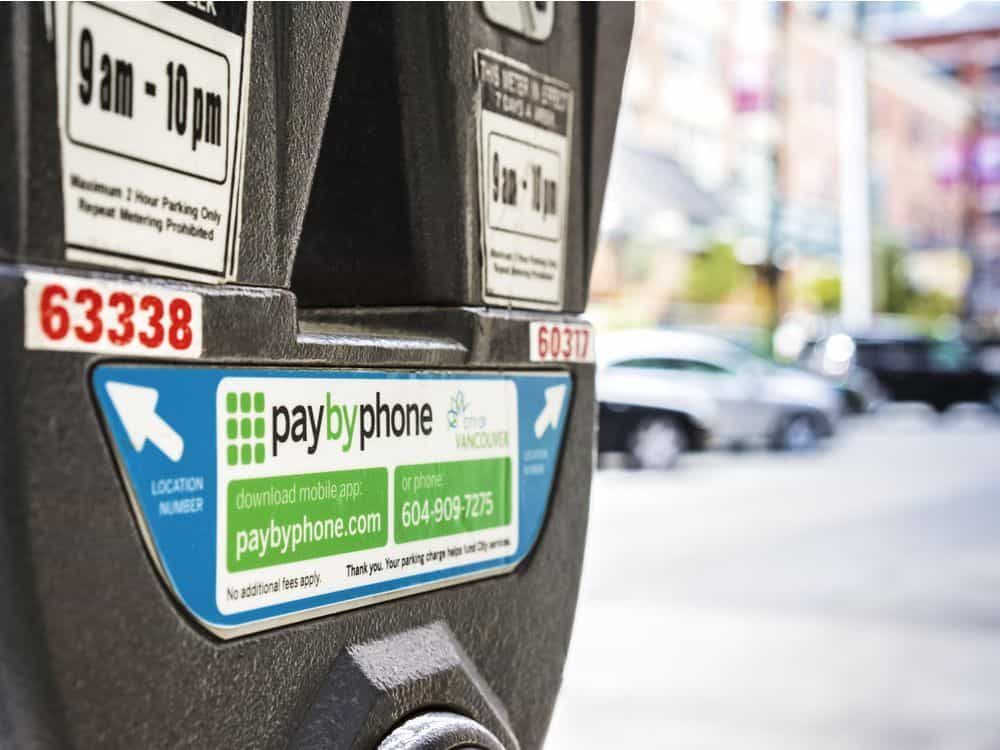
Steps to Pay for Parking:1. Access PayByPhone application or log into www.paybyphone.com.2. To begin, enter your User ID and Password for the sign in if you have an account otherwise you can create a new account.3. Type in the parking location number4. Specify the duration of your parking session.5. Confirm the payment amount and select your preferred payment method.6. Tap “Confirm Payment.” You’ll receive a confirmation notification.Steps to Extend Parking Time:1. Open PayByPhone app.2. Navigate to the “Active Parking Session” tab.3. Tap “Extend Time.”4. Select the additional time required and confirm the new payment.5. Receive an updated confirmation for the extended session.

Update PayPal
4.6
Mobile Devices (Android and iOS):1. Launch Your App Store: Google Play Store or Apple App Store.2. Search for PayPal: Locate the application from the search results.3. Check for Update: If available, tap “Update.”Desktop (Browser Version):1. Enable Auto Updates: Most Web browsers update the application automatically; make sure this setting is on.2. Clear Cache and Cookies Regularly: This ensures smoother performance and security.

Comment télécharger et installer Waze?
4.6
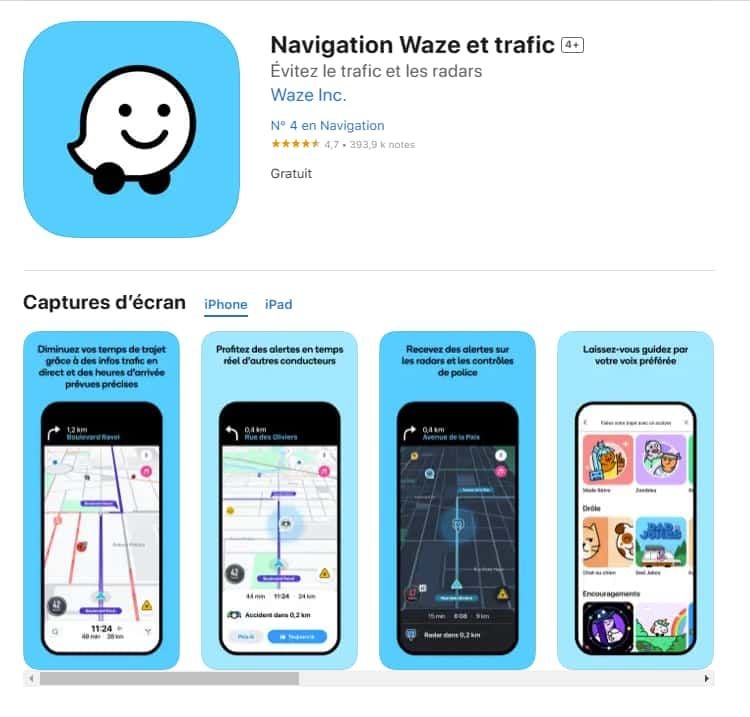
Pour les utilisateurs iOS :1.Accédez à l’App Store.2.Tapez « Waze – GPS et Trafic » dans la barre de recherche.3.Cliquez sur Obtenir pour lancer l'installation. Ou vous pouvez cliquer directement sur le lien: https://apps.apple.com/fr/app/navigation-waze-et-trafic/id3232291064.Une fois l’installation terminée, ouvrez Waze et configurez votre compte.

Send Money with Zelle
4.5
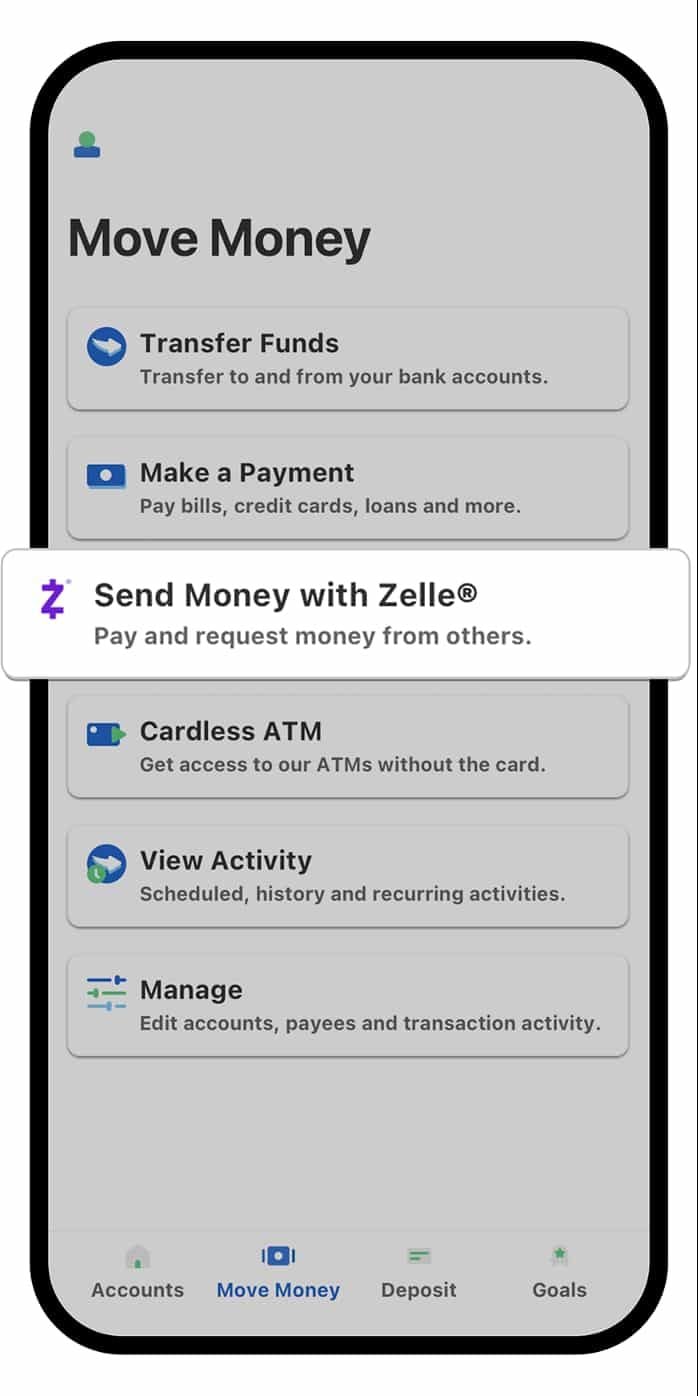
Steps to Send Money1. Open your banking app or the standalone Zelle app.2. Locate “Send Money with Zelle.”3. Select who you want to pay from one of your contacts, or tap ‘Add new recipient’ to enter the person’s U.S. mobile number or email address.4. Type the amount to send.5. Pick which bank account to use to transfer the funds from.6. Add a memo or reason.7. Carefully review to ensure that your intended payee is accurate and correct in this transaction.8. Tap “Send” to finish the transaction. In most instances, the money will be delivered to the recipient in minutes.Important Considerations1. The recipient needs to be enrolled in Zelle; thus, funds will go directly into their account. If not enrolled, they get notification to enroll.2. Always confirm the email address or mobile number of the recipient to avoid sending funds to a wrong recipient.3. It is possible to cancel a payment only if the recipient isn’t yet enrolled with Zelle.

Keep Google Updated
4.1
For Android Users:Open the Play Store on Google and access the “My apps & games” page via the menu icon. Look for Google in the list of installed applications. If updated is available, you will see an “Update” icon beside the app. Tap on this icon and allow the update download and install automatically. For your convenience, you can enable automatic updating in the Play Store settings so your Google app is updated without your intervention.For iOS Users:Open your App Store on your iPhone or iPad and tap on your profile picture at top-right. Look for updates that are waiting to be installed. Look for Google and tap “Update” if you see it as an option, or “Update All” if you do not see it. Be on a secure Wi-Fi network in order not to be interrupted in between updating. After the update is complete, restart Google in order for the new features to be made accessible.On PC (Web Browser):No need for updates on those Google services accessed on the web, as they are in the cloud. However, keep your browser updated for optimal performance.