


Communication Apps - Free Download & Official Reviews

Download Telegram Easily
 4.0
4.0
Detail Installation Steps1. Android Devices:- Open the Google Play Store. In the search box, input “Telegram.”- Tap the one from Telegram FZ-LLC, then tap “Install.” More simply, you can just visit here to view the same page https://play.google.com/store/apps/details?id=org.telegram.messenger&hl=en_US.- Download and install the app. Open the app once downloaded and register your account using your phone number.2. Apple Devices iPhone/iPad:- On your Apple device, launch the App Store and search for “Telegram.”- Tap “Get,” then “Install” when prompted. Alternatively, get to the downloading page simply from here https://apps.apple.com/us/app/telegram-messenger/id686449807.- Install from the store and open it: in-app, register your phone number and start using Telegram.3. Desktop Version (Windows/Mac):- Go to the official Telegram website https://desktop.telegram.organd download the desktop application for your operating system.- Follow the installation prompts, then open Telegram.- Link it now with your mobile account, either by scanning the QR code or by typing your phone number.4. Web Version:- Alternatively, Telegram has a Web version for those who do not want to install anything. In a browser, just go to its official homepage https://web.telegram.org/k/, insert your phone number and access your account.

What Can You Do with Telegram
4.0
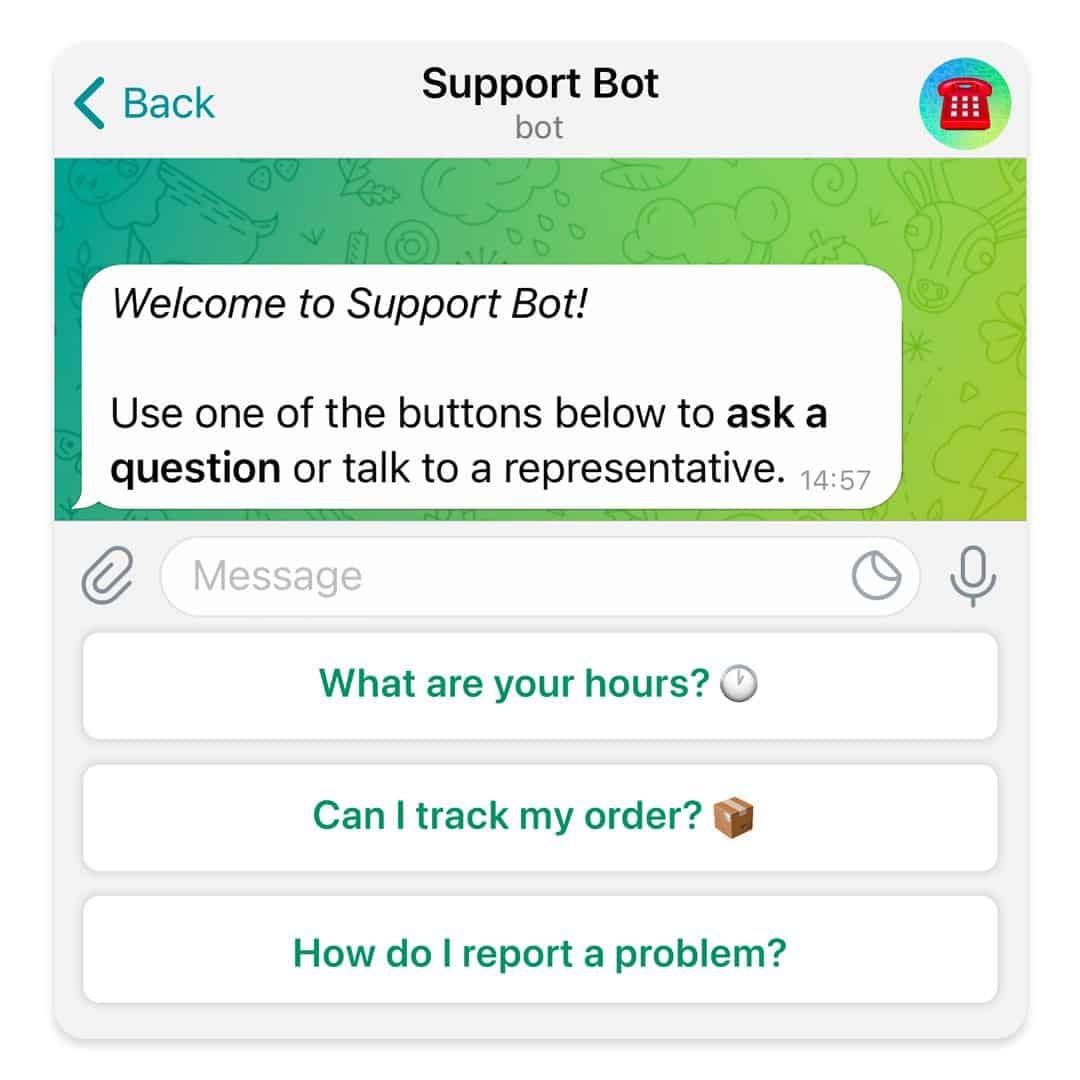
What Telegram Allows You to Do1. Secret Chats:- Besides basics, for additional security, Telegram provides “secret chats” that are end-to-end encrypted and even self-destruct on expiration.- The messages of Secret Chats also cannot be forwarded, further giving control over the information shared.2. Cloud-Based Messaging with Unlimited Storage:- Telegram is cloud-based: your messages and files are stored in the cloud; therefore, you can view them from any device without occupying any local storage.3. Sharing Large Files:Telegram allows you to share large files (up to 2 GB) in one go, a unique feature compared to other messaging apps that restrict file size.4. Bot and Personalization- Telegram provides an excellent bot platform through which users can perform actions, access information, and even play games.- You will be able to find all kinds of bots, from those that will help one with the weather forecast, translation, or news updates.5. Channels and Groups:- Telegram allows for groups of up to 200,000 people and channels allow one-way broadcasting; thus, it’s good to put out some of your messages.

Create Your Channel in Telegram
4.0
Telegram makes it easy to create a channel, and it provides additional features for managing and growing your audience. Here’s how to set up your own Telegram channel.1. Open Telegram and click the menu icon: three horizontal lines.2. Among the options appearing, click New Channel.3. Name your channel, and an optional description for the purpose can be given.4. Decide if you want the channel to be public, where everyone can find it, or a private one, where only invited members will join.5. If public, send the link so it’s easy to join; if private, share invite links only with invited individuals.6. Having made all your preferences in the channel, tap Create and optionally add members.


Customize Telegram Themes & Notification
4.0
Here is a simple tutorial on how to personalize these features in Telegram.Creating Custom ThemesFor Desktop:1. Open Telegram Desktop and click on Settings.2. Click on Chat settings, then select Create New Theme.3. Name your theme then choose the color of the text, background, and button.4. Click Save Theme once your theme is to your liking.For mobile:1. Enter Telegram from your mobile device: Now, go to Settings > Chat Settings/Appearance.2. Click the Theme then select Create New Theme.3. Give your theme a name and adjust the colors to your liking.4. Tap the upper-right corner to save your changes.Setting Custom Notification Sounds1. Open Telegram chat.2. Click the top-left thumbnail of your profile picture.3. Tap on Notifications, then Customize.4. Select your sound of choice, browse through the provided options, or upload your own.

Telegram’s Safety Features
4.0
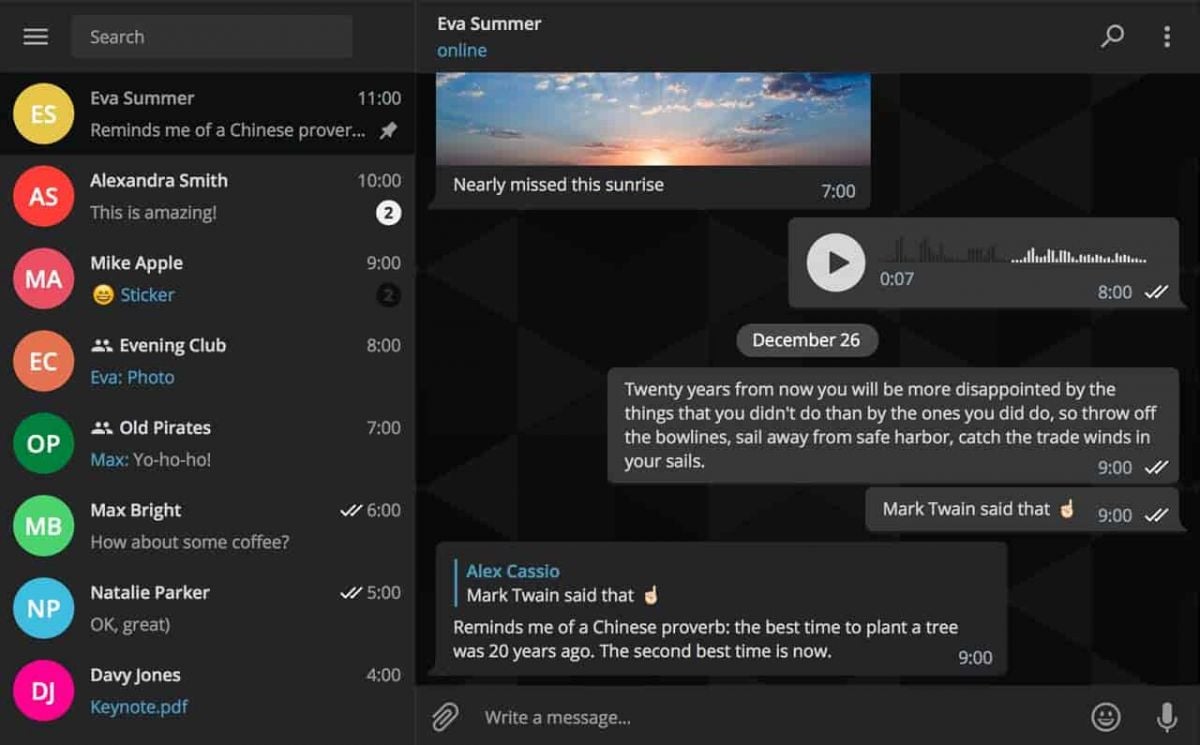
1. Enable Two-Step Verification:- For the extra layer of security, one can enable a password via Settings > Privacy and Security > Two-Step Verification.- This will prevent unauthorized use, even if anyone else knows your telephone number.2. Sending Private Messages via Secret Chats:- Secret Chats use end-to-end encryption, including self-destruct timers, which is great for sensitive information.- They never reach Telegram’s servers and therefore never leave your device.3. Control Who Can Contact You:- In Settings > Privacy and Security, select who can view your profile photo, your last seen, and phone number.- You can block contacts, manage messages coming from strangers, and you can limit this for unnecessary conversations.4. Self-Destruct Media in Regular Chats:- Open any chat, tap the clock icon while sending a photo or video. After setting the self-destruct timer for media to disappear once viewed.

Relive the Showa Era with This Free Music Archive
4.3
The app is able todownload up to 500 songs, one more interesting aspect is that you will have at least two chances (a 30-second musical string and full score for playback) of memorizing what something sounds like. Volumes and audio quality are another consideration.The platform provides a built-in search function and will give users recommended pieces based on their interests. With its simple interface design, people of all ages can easily find their way around this huge library of songs and movies.Showai is a cultural time capsule that captures Japan’s entire musical legacy and lets you enjoy it completely for nothing.

Sophisticated Weather Predicting Instruments
4.3
It has professional-level radar analysis with its WeatherWise Pro subscription as a standout. This includes advanced features such as Triple/Quad View Radar visuals that displays multiple radar products on the iPhone and iPad screens at the same time.Feature expanded data accuracy with both hydro-methods so you receive dual reflectivity and at maximum measurement areas of intensity and high rainfall. Users are also able to examine the history, playing back over 200 radar scans or 100 satellite frames in order to perform deeper research.For full-screen viewing. The WeatherWise Plus section also includes 3D Radar and 3D Globe Projections which provide a way to interactively explore weather systems through the ability to pitch weather maps and view storm structures. The Side-by-Side Radar Visuals keep two data layers side by side, while Smoothed Radar Tech allows an even clearer storm picture. The app also provides live feeds from storm chasers and a Spotter Network showing the current locations for spotters, helping to lead travelers through ground-truth-verified predictions.With radar for countries across the including USAand Netherlands, WeatherWise.app is able to combine these state-of-the-art tools with an easy-to-use interface. Free core features like live lightning tracking and live alerts are what make a difference during critical moments of weather warnings.
Effectively Manage Your Workflow with Microsoft Teams
4.8
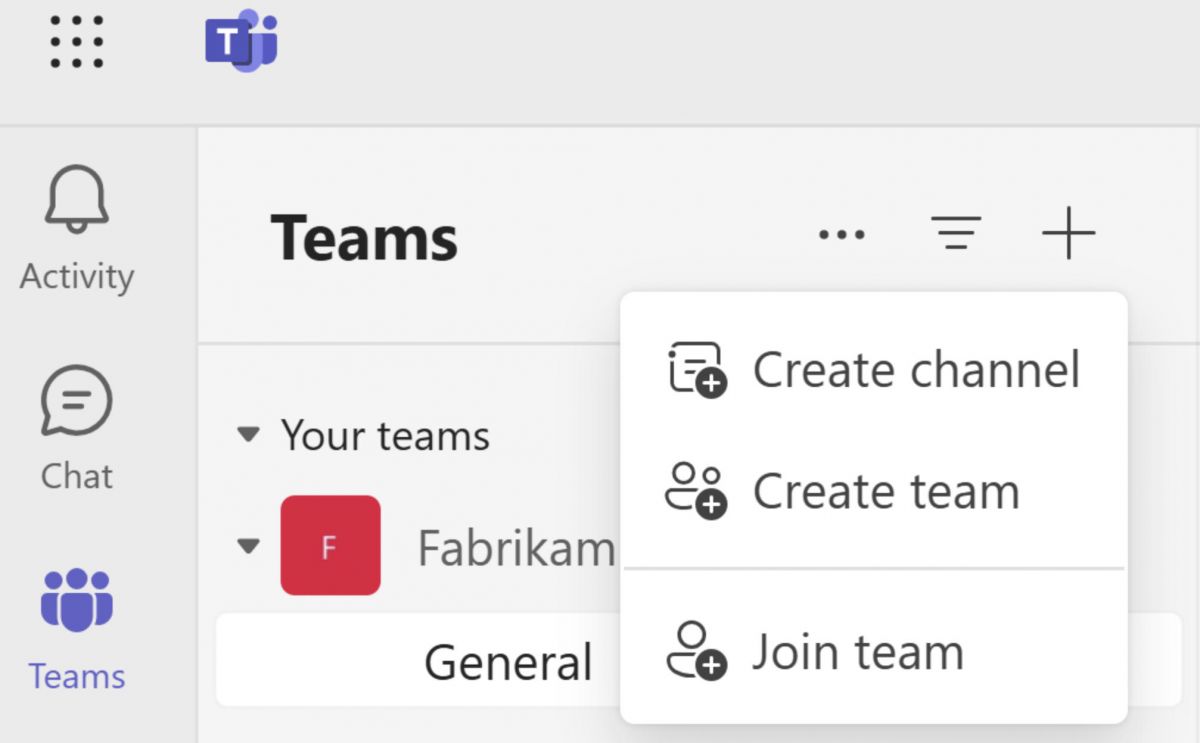
One of the most powerful tools that the platform has for project management is its built-in, seamless integration with Microsoft 365 productivity apps. At any time, members of a project team may upload and access word documents, excel spreadsheets and powerpoint files and they may collaborate on the co-authorship of these documents. This collaborative editing without going emailing back and forth to different versions of files is a synchronous activity. Changes are real-time tracked and saved in the built-in, cloud-based SharePoint or OneDrive.What's more, Teams has excellent task management features right within the shared office space interface. Project leaders can assign project parts using a range of functional programs, such as Microsoft Planner and Tasks, create definite operational timelines and track advancement with highly visual project Kanban boards. That openness creates clearer accountability—people know what has to get done, who is properly responsible, and when it is due. Add in third-party apps plus automation bots, and Microsoft Teams turns from “just a chat tool” into a more complete command area, good for steering multi-part projects from early planning all the way through the final release, even when timelines are strict.

Master NBA Live Scores & Stats
4.2
To enjoy the live score updates features, first of all, open NBA and login to your personalized dashboard. The homepage displays live matches, and if you tap on any live game, it brings up detailed scoreboards as well as minute-by-minute updates. As you browse through the live stream, you will come across options for sorting and filtering game information such as team scores, player stats, and period-wise highlights. Furthermore, the app has interactive graphs and charts displaying ranking changes and momentum shifts throughout the game.