


Translation Apps - Free Download & Official Reviews

Effortless Google Translate Access
 4.3
4.3
Mobile Installation (Android)1. Open the Google Play Store on your Android device2. Tap the search box at the top and type “Google Translate”3. Select Google Translate from the search results, or more straightforwardly, go directly to the same app installation page from here https://play.google.com/store/apps/details?id=com.google.android.apps.translate&hl=en&gl=us4. Click the “Install” button and let the download complete5. Once installed, click “Open” to launch the app6. Sign in with your Google account (optional but recommended for saving your translation history)7. Grant necessary permissions when prompted (microphone for voice translation, camera for photo translation)Mobile Installation (iOS)1. Launch the App Store on your iPhone or iPad2. Click the “Search” tab at the bottom right3. Type “Google Translate” into the search bar4. Select Google Translate from the list, otherwise, visit the detail page from here https://apps.apple.com/us/app/google-translate/id4147065065. Tap “Get” and input your Face ID, Touch ID, or Apple ID password6. Wait for it to download7. Tap “Open” or find the app on your home screen to open it8. Sign in with your Google account (optional)9. Allow permissions when prompted for full functionalityPC (Web Browser)1. Type translate.google.com into your web browser of preference.2. No installation necessary, but save to use it in the future.3. Optional: for Chrome, download Google Translate through the Chrome Web Store for convenient shortcuts.

Travel Without Limits with Google Translation
4.3
Setting Up Offline Translation:1. Open Google Translate.2. Press the three lines on the top-left.3. Select “Offline Translation.”4. Press the list of languages shown. Press the download symbol next to the languages you need.5. Let each of the chosen language packs download.Using It on the Go:1. Open Google Translate and select the language from and to which you would like to translate.2. Type, paste, or dictate your message into the application.3. Translations will be provided by the application with no need for an internet connection.Offline Capabilities Provided:- Camera Translation: While not all features can be accessed offline, some languages allow text input through the camera to be translated offline without any need for the internet.- Text Input: Manual text entry is still entirely accessible offline.Best Practices:- Download all language packs required prior to your trip. Each pack will take approximately 30-50 MB of space.- Offline translation will not be possible if your phone lacks sufficient battery power.

Stay Current of Google Translate Updates
4.3
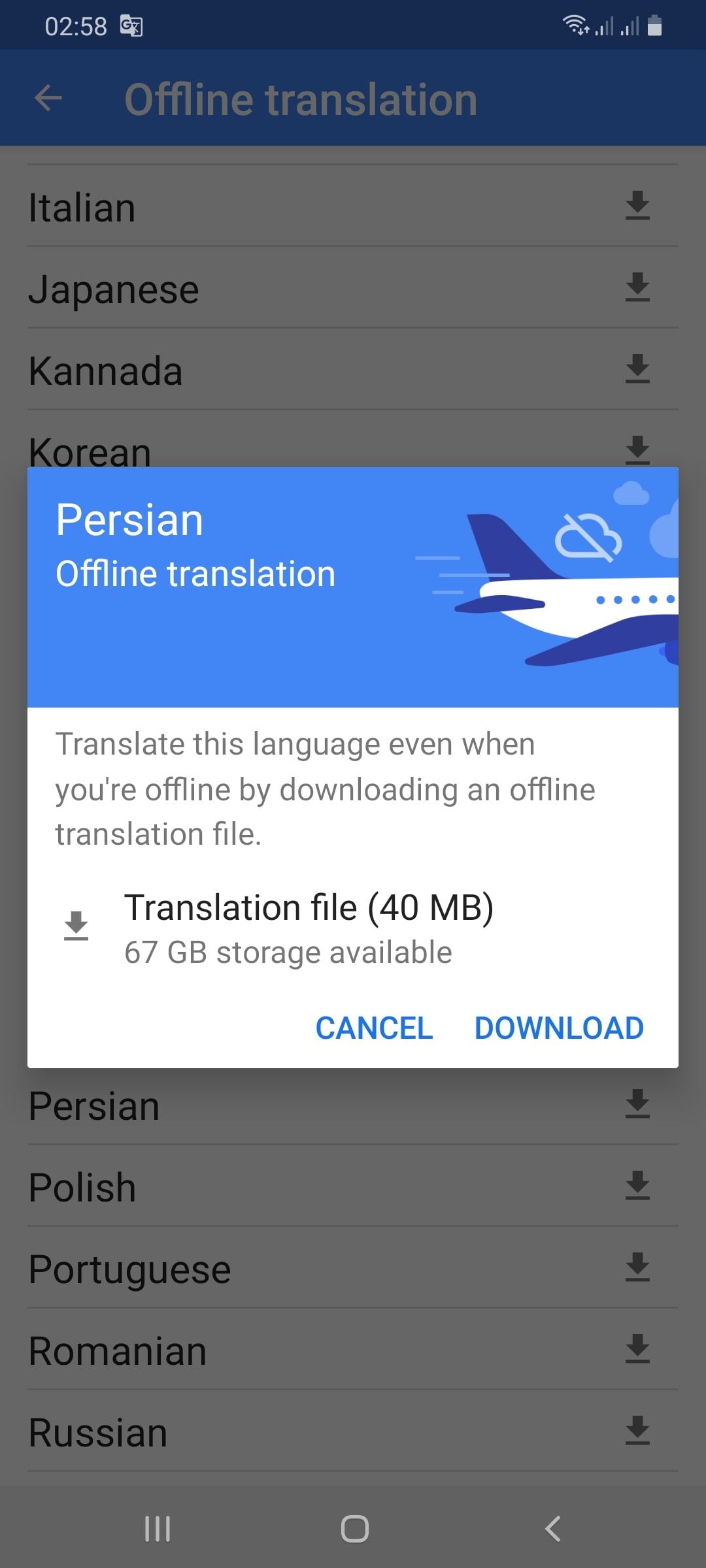
Updating on Android Devices:1. Open the Google Play Store.2. Tap your profile picture at the top-right corner.3. Select “Manage apps & devices.”4. In the “Updates available” area, find Google Translate.5. Tap “Update.”Updating on iOS Devices:1. Launch the App Store on your iPhone/iPad.2. Tap your profile icon at the top corner.3. Scroll down to find Google Translate under “Updates Available.”4. Tap “Update” to update to the latest version.Updating Web Version1. The web interface (translate.google.com) gets automatically updated on Google servers.2. Clear cache in the browser to have the latest version.3. Refresh the webpage after clearing cache to get the latest version loaded.4. Look out for new features or new changes in the interface that indicate updates.

Live Communication with Google Translate Interpretation
4.3
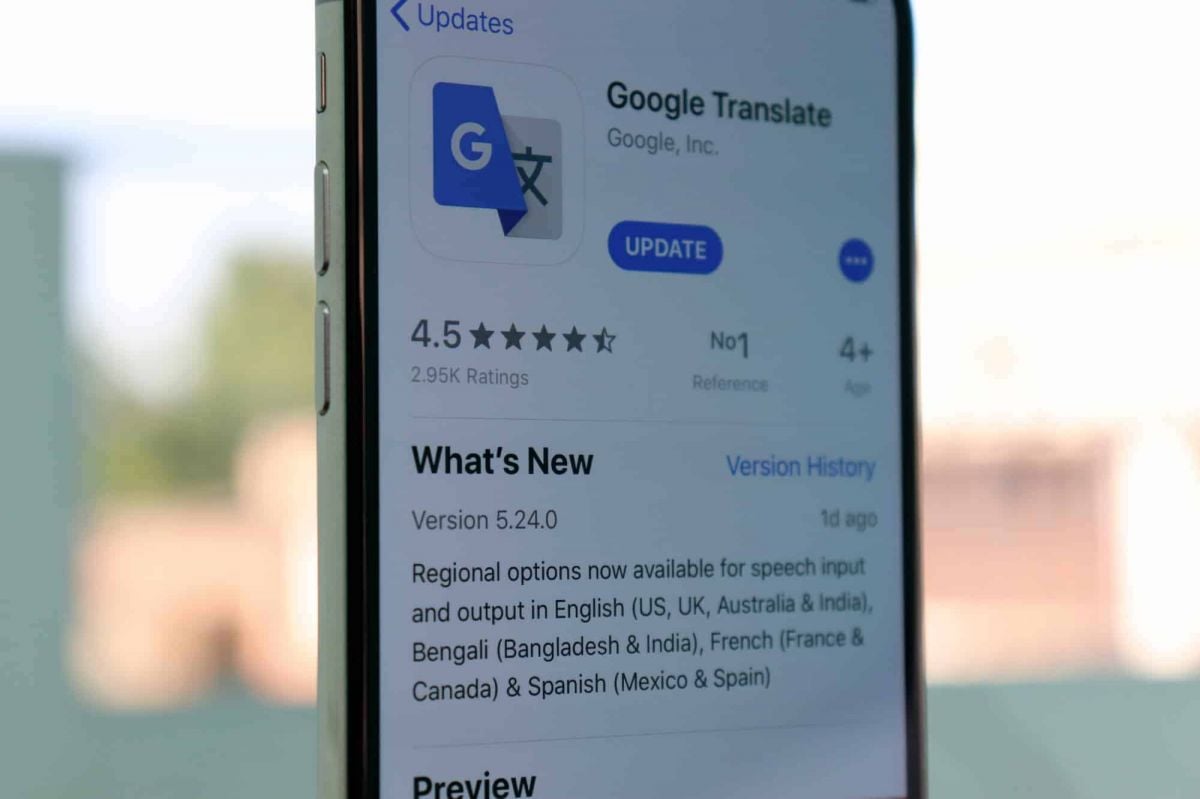
Setting Up the Interpreter Mode:1. Open Google Translate.2. Tap “Conversations” from the bottom menu.3. Choose the languages for both speakers.4. The app will show automatically which language is being spoken and will translate it real-time.How It Works:- Person A speaks in his own language. The app identifies and translates his words by voice and display in Person B’s language.- Person B responds in their language, and Google Translate translates their response for Person A.Successful Simulations Secrets:- Speak clearly with minimal background noise.- Use short sentences or phrases for greater accuracy.- Have both speakers held near the microphone.

Google Translate for Language Learning
4.3
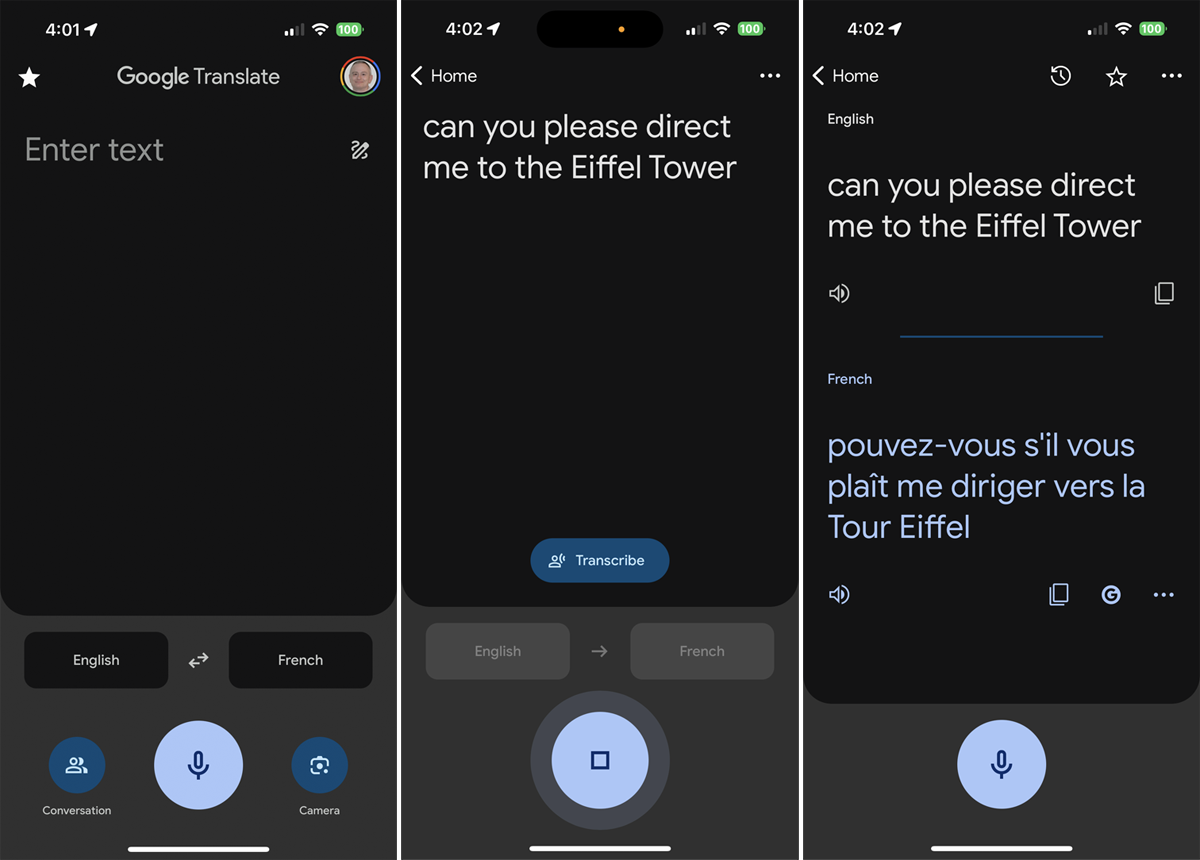
Translating Words and Phrases:1. Type or speak a word/phrase in your source language.2. Observe the translation results in your target language.3. Listen to the correct pronunciation by tapping the speaker icon.Creating Personal Word Lists:1. Search for a word and tap the star icon to save it as a “favorite.”2. See all the saved words in the “Saved” menu for reference.3. Check your starred list periodically for memory reinforcement.Learning Through Visual Context:- Use the camera translation mode to examine objects or words with your device. This helps connect visual memory to language acquisition.Transcription Mode Practice:1. Tap on the microphone icon and read out phrases in your target language.2. Examine the app’s transcription to keep an eye on your pronunciation and grammar.3. Use the app’s suggestions to correct mistakes.

Explore the Treasures of Showa Enka with High-Performance Search
4.3
It's the high-performance search function which really makes this app so special. You can move through the rich audio library by artist name, song title or even lyrics, so as feel at home with a few taps of course. Search results are instantly available after demand made. And the intuitive design ensures that finding these great songs n a moment's notice does not require any effort at all once done correctly. Its interface responses quickly, making every single moment spent savoring these pieces an immediate pleasure.Whether reminiscing or coming afresh to the flavor of Showa enka music, this app will take users on a unique musical journey.The new Japanese software Showau is a gold mine for people who appreciate Showa-era enka. By offering a whopping 2,000 free tracks, its goal is to re-create the atmosphere of those years. Users can enjoy themselves in decant beautiful melodies and songs which tug at the heartstrings, characteristics that make up Japan's showa-style popular music.At its nucleus, the high-speed search engine is what makes this app tick. Its design is light yet it maintains both speed and accuracy. Users are able to quickly find specific songs or artists from the huge bookshelf with this engine.By virtue of its integrated search feature and huge musical catalog, this Showa enka app is a must-get if you want to find yourself getting deep into the prime of Japanese music.

Download Telegram Easily
4.0
Detail Installation Steps1. Android Devices:- Open the Google Play Store. In the search box, input “Telegram.”- Tap the one from Telegram FZ-LLC, then tap “Install.” More simply, you can just visit here to view the same page https://play.google.com/store/apps/details?id=org.telegram.messenger&hl=en_US.- Download and install the app. Open the app once downloaded and register your account using your phone number.2. Apple Devices iPhone/iPad:- On your Apple device, launch the App Store and search for “Telegram.”- Tap “Get,” then “Install” when prompted. Alternatively, get to the downloading page simply from here https://apps.apple.com/us/app/telegram-messenger/id686449807.- Install from the store and open it: in-app, register your phone number and start using Telegram.3. Desktop Version (Windows/Mac):- Go to the official Telegram website https://desktop.telegram.organd download the desktop application for your operating system.- Follow the installation prompts, then open Telegram.- Link it now with your mobile account, either by scanning the QR code or by typing your phone number.4. Web Version:- Alternatively, Telegram has a Web version for those who do not want to install anything. In a browser, just go to its official homepage https://web.telegram.org/k/, insert your phone number and access your account.

TikTok Lite Installation
4.8
TikTok Lite MobileOn Android,1. Open the Google Play Store.2. Search for “TikTok Lite.”3. Select it from the results and click “Install.” Alternatively, find this step from here https://play.google.com/store/apps/details?id=com.ss.android.ugc.tiktok.lite&hl=en_US.4. Tap “Open” to start using the app when it is installed.On iOS:1. On your iPhone or iPad, open the App Store.2. Click the “Search” tab and type “TikTok Lite.”3. Tap TikTok Lite in the search results. More directly, visit here https://apps.apple.com/za/app/tiktok-lite/id6447160980to view the downloading page.4. Tap “Get” to download the app. You might be prompted to confirm with Face ID, Touch ID, or your password.5. Tap “Open” after installation to launch TikTok Lite.

How to Download NBA
4.2
Android Installation Guide1. To access the Google Play Store launch its icon through your Android home screen.2. Open the search bar that appears at your screen top and type “NBA”.3. Select NBA from the search results, or more straightforwardly, go directly to the same app installation page from here https://play.google.com/store/apps/details?id=com.nbaimd.gametime.nba2011&hl=en&gl=us.4. The download process will begin after users select the “Install” button.5. Choose the “Open” option in the app installer to launch the application or use it through your home screen or app drawer.6. Grant the permissions required when prompted for optimum usage.7. Sign up for an NBA account or use your current credentials to access all features.iOS Installation Process1. Use your iPhone or iPad to navigate to the App Store by selecting its icon under the main display.2. Tap the “Search” button at the bottom right of your screen.3. Open “NBA” in the search field of your device and hit the “Search” option.4. Select NBA from the list, otherwise, visit the detail page from here https://apps.apple.com/bg/app/nba-live-games-scores/id484672289.5. After selecting “Get” confirm the installation by using Face ID or Touch ID or your Apple ID password.6. Wait until the download completes together with its installation process.7. To access the app tap either the “Open” button or browse to the homepage where it resides.8. After the screen completes its account setup and setting configuration you should finish the process.Desktop Web Access1. Open any browser of your preference such as Chrome, Safari Firefox or Edge.2. Users can access the official NBA website through navigating to www.nba.com in their web browser’s address entry field.3. Find “Sign In” placed in the top right section of the page.4. Register a new account or log in using your existing NBA credentials.5. After logging in, you can access the majority of the same features available on the mobile app.6. For faster access, bookmark NBA website or place it on your desktop.7. Consider enabling notifications in your browser settings to remain current in real-time.