


2026 Apps - Free Download & Official Reviews
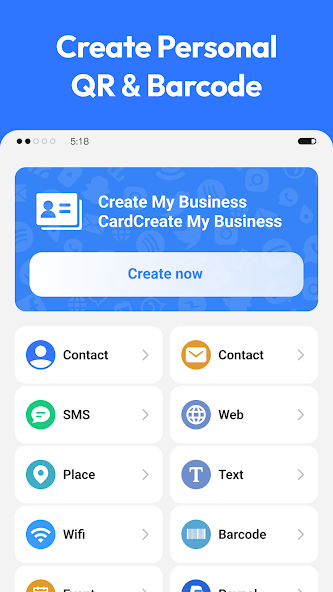
How to Manage, Share & Export Your Scan Results
 4.0
4.0
Automatic History AccessEvery time you scan successfully, the result is saved in your History. You can usually find History by tapping a clock icon or a list icon at the bottom or side of the screen.
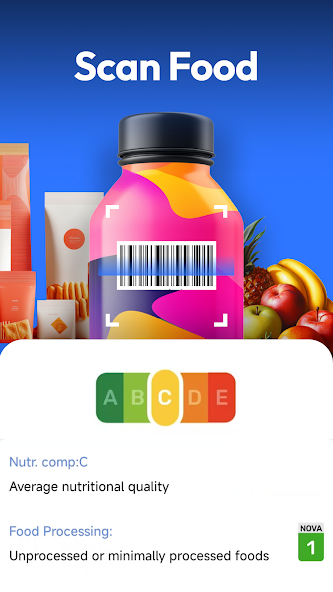
Scan Product Barcodes for Instant Price Checks
4.0
Scanning Tips for Product BarcodesOpen the app. Point your camera at the barcode (usually EAN-13 or UPC-A on the packaging). Hold the phone steady 10–20 cm make sure there is enough light and stay awa
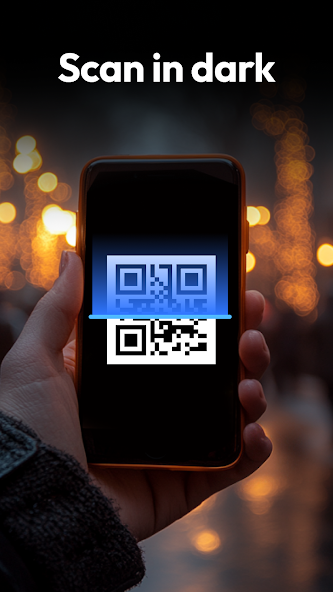
Simple Fixes for Common Scanning Issues
4.0
LightPress the flashlight button in the camera view. Having good even light makes a difference in finding the code. Don’t scan in darkness.Reflections and glareMove your phone a little. Change the ang
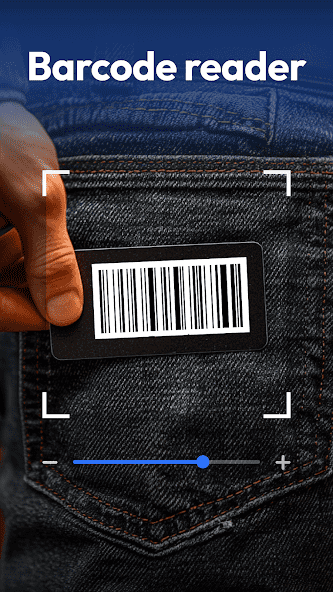
QR & Barcode Scanner Advanced Guide: Batch Scan, Settings & Privacy Tips
4.0
Batch / Continuous ScanningLook for a "Batch Scan," "Continuous," or multi-scan mode in the menu or camera screen. Enable it to scan multiple codes one after another without returning to the home scre

Ring
4.6
Ring is available on iOS and Android letting me stay connected to my home whether I am nearby or halfway around the world.
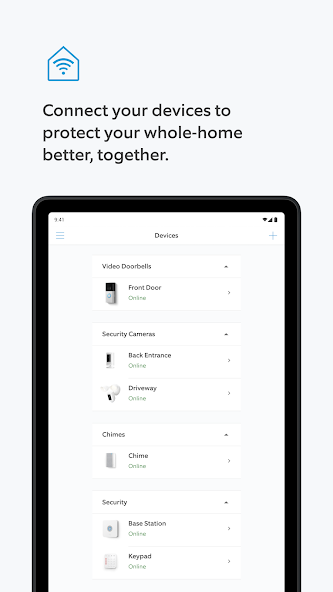
How to Set Up Your Ring Device and Connect It to the Ring for the First Time
4.6
First, download Ring from the App Store or Google Play. Open the app. Then, create a Ring account with my email address. Sign in if you already have one. Verify the account by clicking the confirmatio
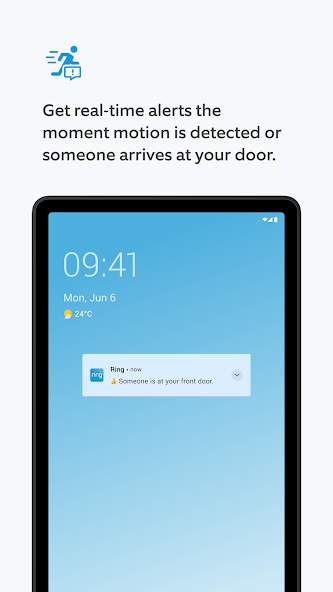
Best Tips for Real-Time Alerts Live View and Two-Way Talk
4.6
Ring is the tool for managing Ring Video Doorbells, cameras and related devices. To optimize real-time alerts, open Ring select your device. Go to Device Settings > Notification Settings. Enable both
Ring Protect Subscription Guide: Free vs. Paid Plans and Video History Management
4.6
Ring fully integrates with Ring Protect, previously known as Ring Home, subscription services that offer security features. Without a subscription, the Ring still delivers real-time motion and doorbel
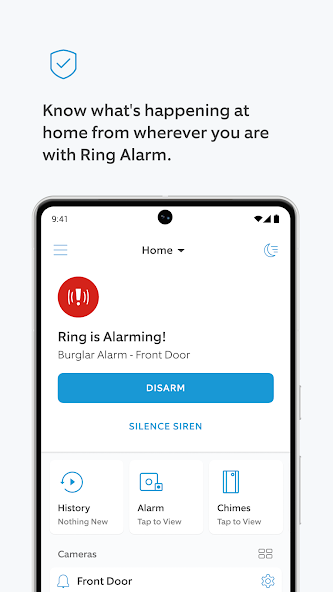
Optimizing Motion Zones and Smart Detection in the Ring
4.6
Ring helps you adjust Motion Zones and smart detection to get the alerts. To change Motion Zones, open the Ring app pick your device and go to Device Settings > Motion Settings > Motion Zones. Change
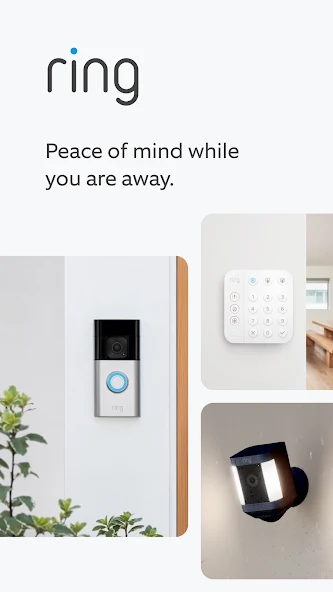
Troubleshooting Common Issues and Privacy & Security Settings
4.6
Ring is the app for Ring devices. Here is a helpful guide to fixing problems and keeping your account safe.If you don’t get notifications check that push notifications are on in both the Ring app and
ARCHIVE
Category
- Communication
- Tools
- Shopping
- Lifestyle
- Entertainment
- Finance
- Art & design
- News & Magazines
- Productivity
- game
- Action
- Music & Audio
- Music & Audio
- Education
- Education
- Business
- Photography
- Books & Reference
- Business
- Health & Fitness
- Medical
- Educational
- Casual
- Video Players & Editors
- Maps & Navigation
- Adventure
- Sports
- Puzzle
- Arcade
- Personalization
- Art & Design
- Action
- Travel & Local
- Social
- Food & Drink