Getting going with Canva is pretty effortless no matter what mobile ecosystem you’re in. The app is free to download, and the whole install part usually takes just a couple minutes on both major platforms.
iOS (iPhone & iPad):
- Open the App Store on your iPhone or iPad
- Tap the Search icon at the bottom of the screen, then type “Canva” into the search bar
- Choose the official Canva app
- Hit Get (or tap the cloud icon if you already downloaded it before), then confirm with Face ID, Touch ID, or your Apple ID password
- When it finishes downloading tap Open to get in, then sign up using your Apple ID, Google account, or email address
- Allow Canva access to your photo library when you’re prompted. That helps you drop images directly into your designs
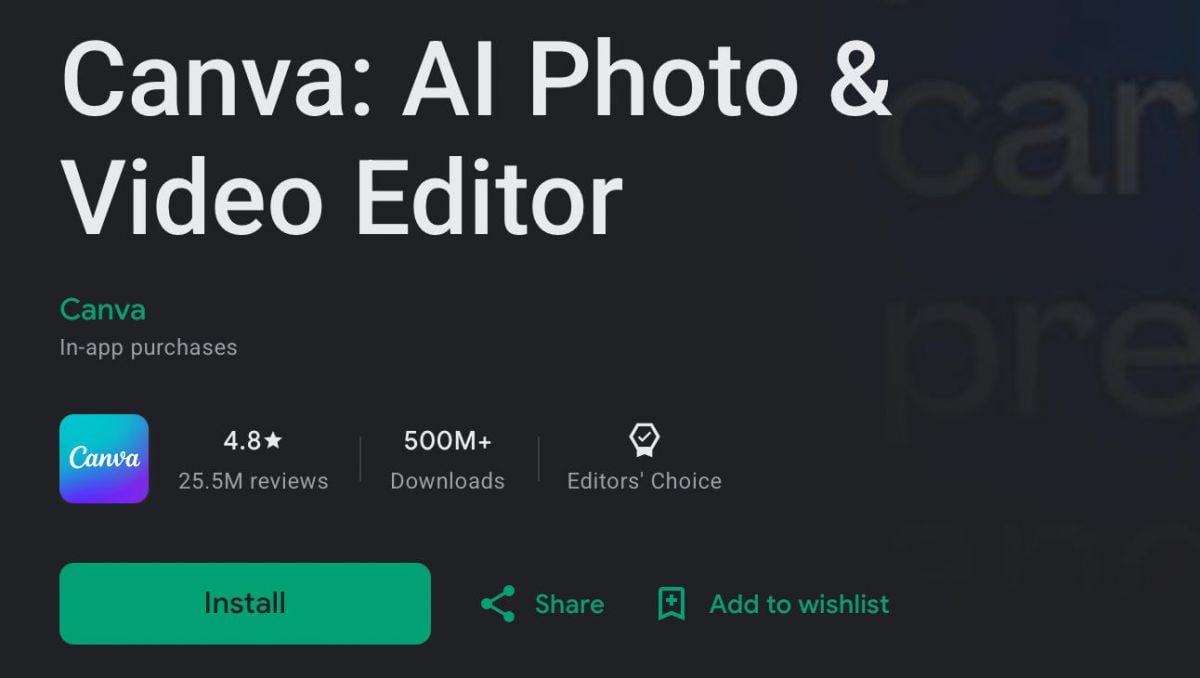
Android (Smartphones & Tablets):
- Open the Google Play Store on your Android device
- Tap the search bar at the top and type “Canva” to see the results
- Select the official Canva listing
- Tap Install and wait while it downloads and sets itself up
- Tap Open after installation, then create a new account or sign in using Google account, Facebook, or email
- When asked, allow storage and media access so you can use more of the app’s features right away




 Back To TOP