


Navigation Apps - Free Download & Official Reviews

Qu'est-ce que Waze et pourquoi l'utiliser?
 4.6
4.6
Trafic en temps réel :Waze analyse les conditions de circulation grâce aux données partagées par ses utilisateurs.Alertes communautaires :Recevez des signalements sur les accidents, radars, travaux ou tout autre obstacle.Gain de temps :Waze recalculera instantanément votre itinéraire pour éviter les bouchons et vous faire gagner du temps.Personnalisation :Vous pouvez ajuster vos préférences de navigation, choisir des itinéraires spécifiques ou personnaliser la voix de guidage.


Comment télécharger et installer Waze?
4.6
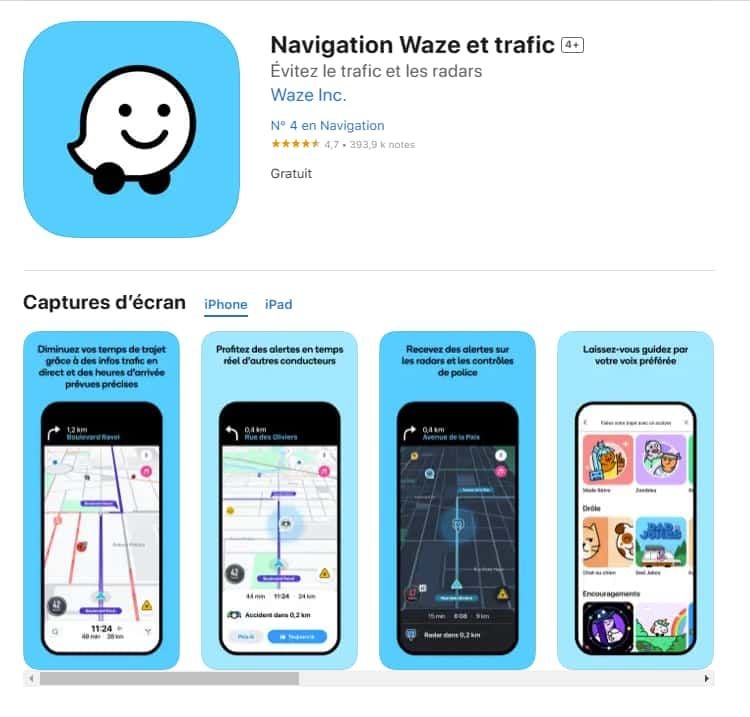
Pour les utilisateurs iOS :1.Accédez à l’App Store.2.Tapez « Waze – GPS et Trafic » dans la barre de recherche.3.Cliquez sur Obtenir pour lancer l'installation. Ou vous pouvez cliquer directement sur le lien: https://apps.apple.com/fr/app/navigation-waze-et-trafic/id3232291064.Une fois l’installation terminée, ouvrez Waze et configurez votre compte.

Comment mettre à jour l'application Waze?
4.6
Sur Android :Ouvrez le Google Play Store.Accédez à « Mes applications et jeux ».Cherchez Waze dans la liste des applications installées.Cliquez sur Mettre à jour, si une mise à jour est disponible.

Comment utiliser Waze pour la navigation et le trafic?
4.6
Waze est simple et intuitif. Voici un guide pour débuter :Lancer l'application : Ouvrez Waze sur votre smartphone.Entrer votre destination : Tapez l’adresse dans la barre de recherche.Choisir un i

Comment créer et gérer un compte Waze?
4.6
Créer un compte :Ouvrez l'application Waze.Cliquez sur « Se connecter » ou « Créer un compte ».Entrez votre adresse e-mail, un mot de passe et d'autres informations nécessaires.Validez votre compte via un e-mail de confirmation.
Get Canva on Your Device in Minutes
4.6
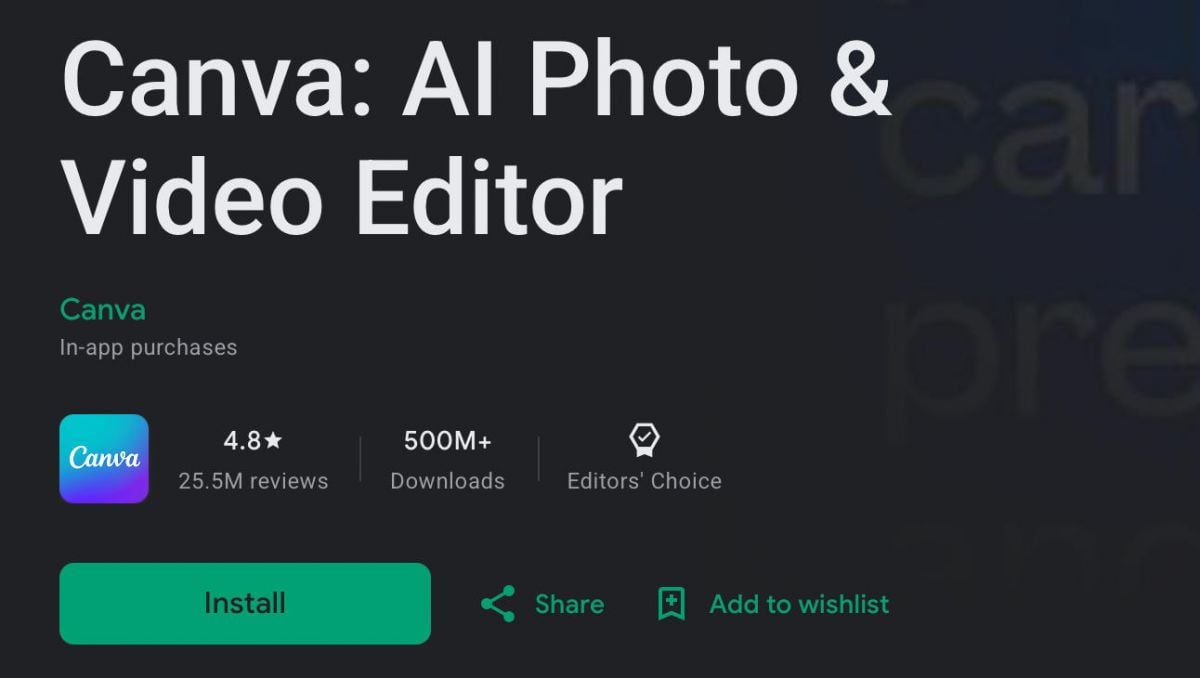
iOS (iPhone & iPad):- Open the App Store on your iPhone or iPad- Tap the Search icon at the bottom of the screen, then type “Canva” into the search bar- Choose the official Canva app- Hit Get (or tap the cloud icon if you already downloaded it before), then confirm with Face ID, Touch ID, or your Apple ID password- When it finishes downloading tap Open to get in, then sign up using your Apple ID, Google account, or email address- Allow Canva access to your photo library when you’re prompted. That helps you drop images directly into your designsAndroid (Smartphones & Tablets):- Open the Google Play Store on your Android device- Tap the search bar at the top and type “Canva” to see the results- Select the official Canva listing- Tap Install and wait while it downloads and sets itself up- Tap Open after installation, then create a new account or sign in using Google account, Facebook, or email- When asked, allow storage and media access so you can use more of the app’s features right away

Easy Installation of ParkMobile
4.5
For Android Devices:1. Swipe up the screen of your device to open the Google Play Store app.2. Search for “ParkMobile.” More simply, just visit the result page from here https://play.google.com/store/apps/details?id=net.sharewire.parkmobilev2&hl=en.3. To download the application, click on the button labelled “Install”.4. After the app appears, to start its usage, launch the app and create an account with the application.For iOS Devices:1. Open the Apple App Store.2. Search for “ParkMobile.” Or, simply view the corresponding page from here https://apps.apple.com/us/app/parkmobile-park-pay-go/id365399299.3. To get the app, click on the “Get” button.4. After installation of this app, you simply have to enter it and finish the registration process.For PC Users:ParkMobile can be used directly through any browser on the internet using ParkMobile at parkmobile.io. A first-time user of this service does not require any downloading of software, one has to register online.Fascinating Features of ParkMobileParkMobile offers several innovative features that enhance the parking experience:1. Find Parking Easily: The application enables the user to find open parking lot around their location through GPS navigation.2. Pay via Smartphone: Pay for parking through a smartphone without having to use coins or cash at all.3. Session Management: The app is capable of sending notifications for your parking session, and an option to renew the time set.4. Parking Reservations: People are able to book the parking spaces in advance hence guarantee that there will be parking space when they get there.
Who Can Benefit from MPLS Parking?
4.0
The app is also great for in-town visitors, such as tourists or shoppers who don't know parking regulations. It offers straightforward advice on the availability of slots, cost and time limits to make it easier for you.Busy professionals (i.e., delivery drivers, salespersons etc.) on the go also benefit from using MPLS Parking to quickly and efficiently manage daily parking demands.In simple terms, if you own or drive a car and ever have to park in an urban environment, MPLS Parking is useful. Its easy-to-use interface is accessible for anyone, even those without versatile computer knowledge.