


Google play store Apps - Free Download & Official Reviews

Download No Cost Play Store
 4.8
4.8
How to Get ItFor Android Devices1. Pre-installed Access: Many Android devices come pre-installed with Play Store. You just open the app and sign in using a Google account to get started.2. Manual Installation: If the application isn’t available, download the APK file from a trusted source. After that, go into Settings > Security > Unknown Sources, and click the toggle to enable installation of third-party apps not on Play Store. Then, open the installed APK file.For PCsWeb Access: Fire up any browser and head to Play Store’s official address, http://play.google.com, where you can log in and then remotely manage apps as well as send downloads to connected devices.For iOS DevicesSadly, Play Store is not natively available for iOS because Apple has its own App Store. But yes, you can access a few Google services by downloading separate Google apps from the App Store.Exclusive Features Play Store Offers1. Google Play Protect: This feature scans apps for malware and harmful behavior, keeping the users safe.2. Library: Sharing bought applications with family.3. Personalized Recommendations: The store suggests applications based on users’ preferences and previous downloads.

Update Play Store
4.8
Where to Find Your Play Store Version1. Click Play Store icon on your device.2. Tap your profile picture in the top right, followed by “Settings.”3. Scroll to “About,” where your current version will be listed under “Play Store version.”How to Update Your Play Store1. Open the app.2. Tap your profile picture once more, followed by “Settings.”3. Under “About,” tap “Update Play Store.” If there’s an update available, it will start downloading and then install automatically.4. If you are already updated, it will say so in a message that your Play Store is current.Manual Update Using APK1. Download the latest Play Store APK from a well-trusted site, if you cannot update automatically.2. Go to Settings > Security > Unknown Sources, enable it.3. Download and install this APK to manually update your Play Store.

Make and Manage Payment in Play Store
4.8
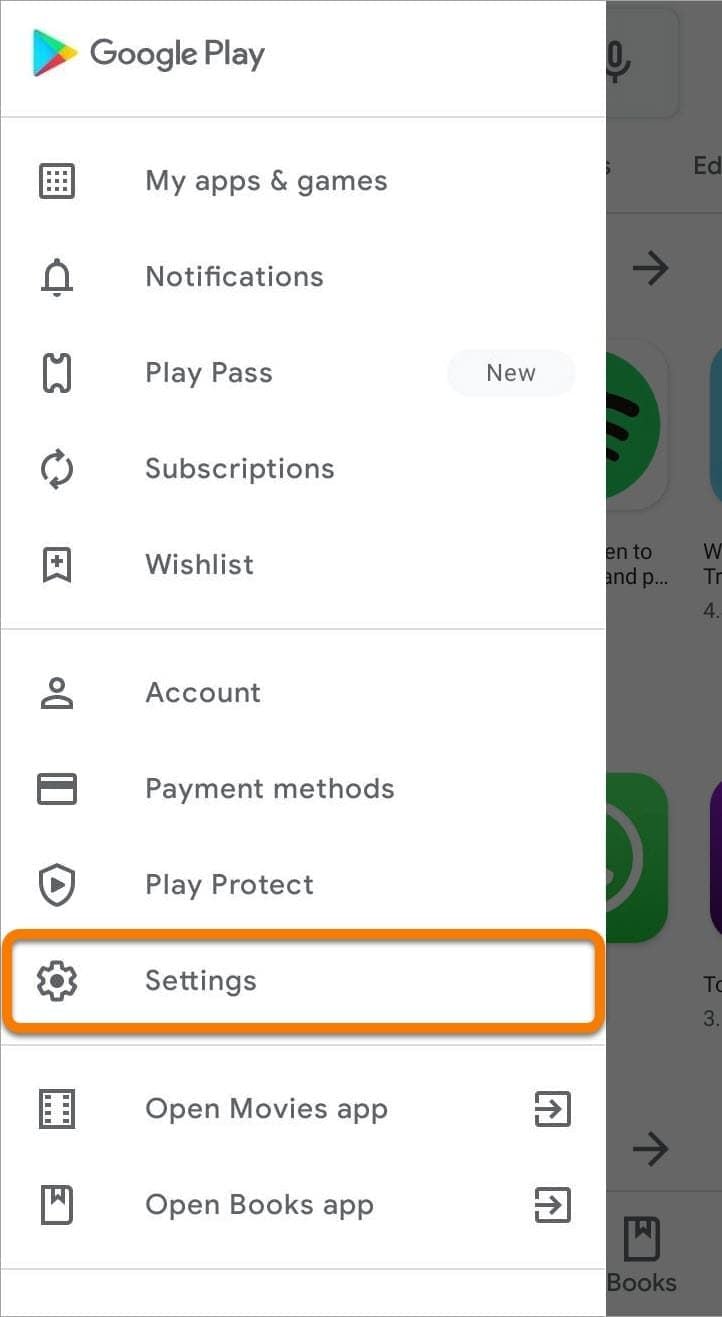
How to Make Purchases1. Open the application from the home screen of your device.2. You can search using the search bar or browse through categories.3. Tap the app or game you want to purchase.4. Tap the price button of corresponding app examples include “Buy” or “Install.”5. If prompted, select a payment method or add a new one.6. If prompted, follow any additional on-screen instructions to complete your purchase.Managing Payment Methods1. Open Play Store Settings by tapping your profile icon.2. Tap Payments & Subscriptions then select Payment Methods.3. Now you can add, remove, or update payment methods such as credit cards or PayPal to control how you pay.Removing Payment Methods in DetailTo remove a payment method from an account, follow these steps:1. Open the app.2. Tap your profile icon, located in the upper-right corner.3. Tap “Payments & Subscriptions,” then tap “Payment Methods.”4. Scroll down, and tap “More Payment Settings” that opens in a web browser5. Find the source of payment you wish to remove and tap “Remove.”

Troubleshooting Errors in Play Store
4.8
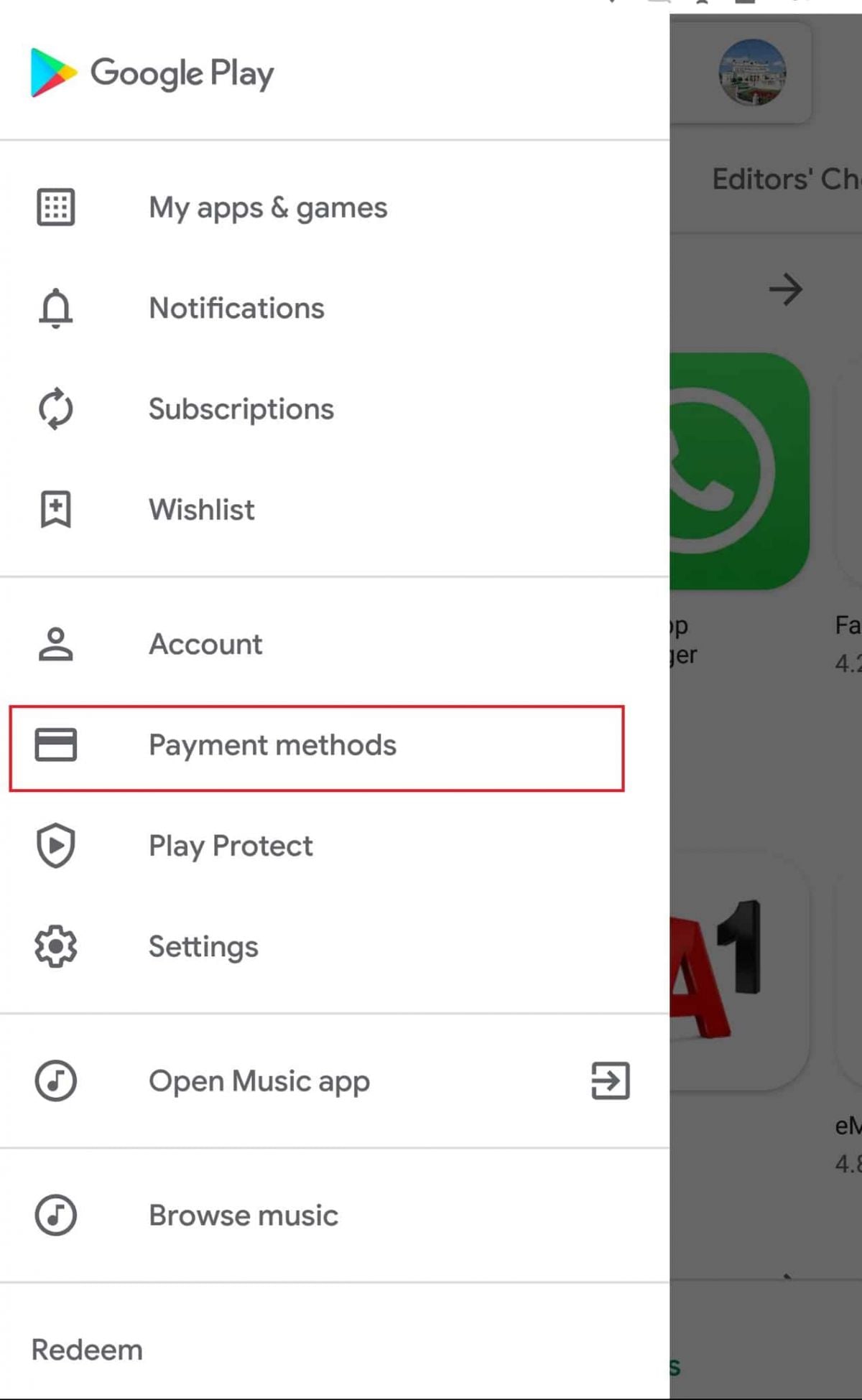
Basic Steps of Troubleshooting1. Clear Cache and Data:- Go to Settings > Apps > Play Store.- Tap on “Storage” then select “Clear Cache” followed by “Clear Data.”2. Reboot Your Device:- Restarting sort of clears off the temporary glitches that could well hamper applications’ performance.3. Internet Connection:- Make sure you are connected to a strong internet connection. Switch from Wi-Fi to mobile data and vice-versa.4. Remove and Re-add Your Google Account:- Go to Settings > Accounts > Google > Your Account > Remove Account.- Add it again from Accounts Settings, tap on “Add Account”.5. Update or Reinstall Updates for Play Store:- In Settings > Apps > Google Play Store, tap on “Uninstall updates” if available and again go to the “About” in the Setting within the app to check for updates.

Alternatives of Play Store
4.8
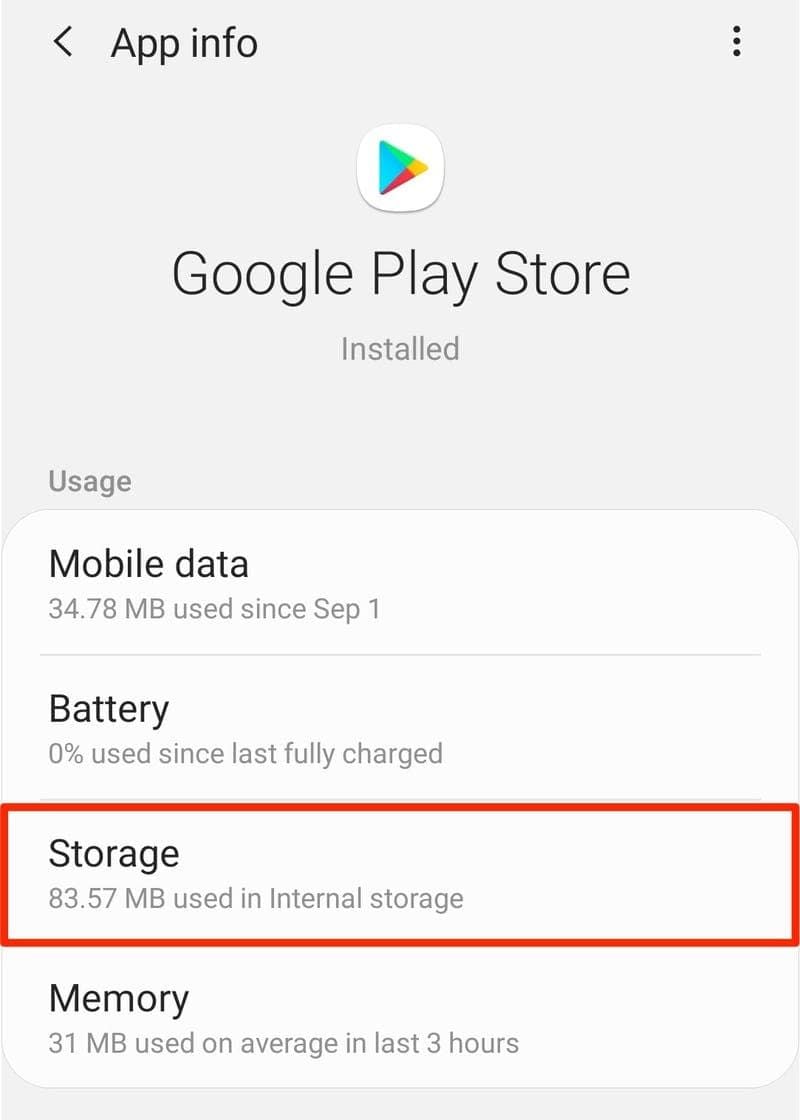
Let’s take a closer look at some of the popular Play Store alternatives.1. Aptoide- A community-driven marketplace boasting millions of apps, without any geo-restriction.- Users can upload their own apps with relative ease, promoting diversity in available content.2. Amazon Appstore- Provides a wide array of applications with strong developer support.- Commonly known for integrations involving Amazon devices such as Kindle Fire.3. APKPure- The app addresses a wide, varied provision of APK files directly to users for self-installation.- Very helpful in apps that are not published in your region or have restrictions via Google policy.4. F-Droid- Exclusively features open-source applications.- Ideal for users who value privacy and transparency in software development.
Start Connecting With Messenger Instantly
4.7
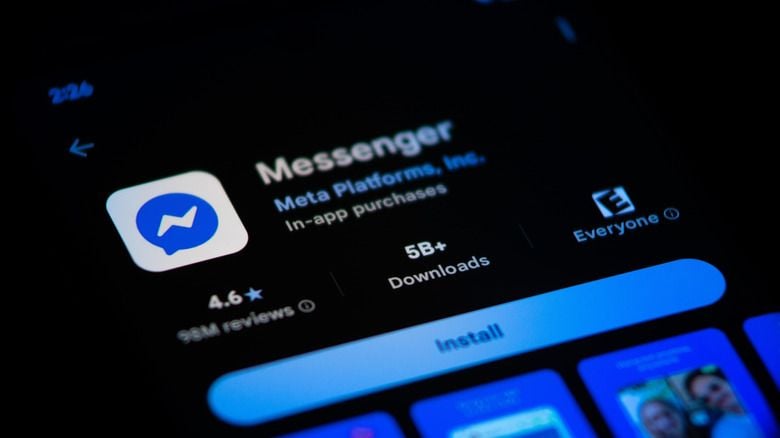
Messenger has a user-friendly interface that lets users access the messaging, calling, and AI-powered communication features immediately from their cell phones, through
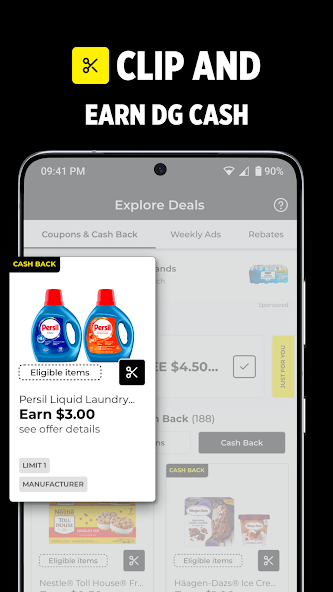
Mastering Dollar General Digital Coupons: Stacking Rules and Best Practices
4.7
The Dollar General has revolutionized budget shopping by eliminating cumbersome paper clippings. However, smart savings require understanding core app rules. Most digit

Canvas by Instructure
4.5
Students could view notes, post reading materials online along with assignment submissions their grades any other learning activity in real-time.
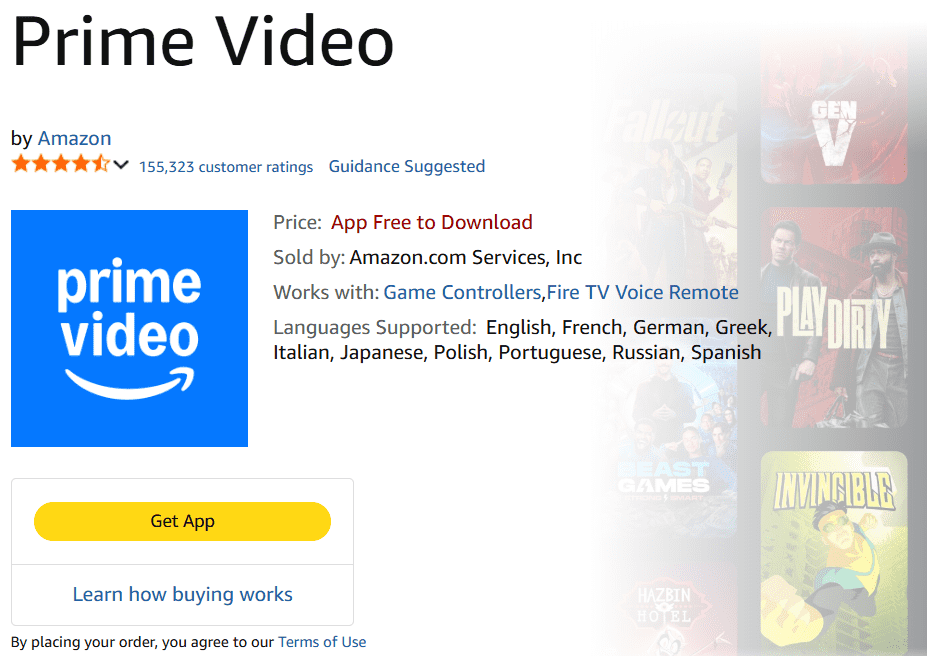
Amazon Prime Video's Sumptuous Recommendation System Serves up Your Next Show
4.4
Leveraging the decades of polished recommendation tech Amazon has developed, our system continuously monitors even minor viewing habits — which genres you finish in one go; what actors or shows you've rerun; when and why did you stop watching a particular program to come back at another time & day only to be outgunned by other titles demanding attention. It refuses to spoon-feed everyone the same popular trending titles, but instead excavates forgotten jewels in plain sight or perennial series and under-the-radar films that align with your individuality even when you would never search for them directly.That clever, custom design reduces the amount of time you spend looking for something to watch and makes every login a minor pleasant surprise. As the system learns your preferences more and more, finding new content becomes easier than ever with well-crafted recommendations that feel custom-made.
ARCHIVE
Category
- Communication
- Tools
- Shopping
- Lifestyle
- Entertainment
- Finance
- Art & design
- News & Magazines
- Productivity
- game
- Action
- Music & Audio
- Music & Audio
- Education
- Education
- Business
- Photography
- Books & Reference
- Business
- Health & Fitness
- Medical
- Educational
- Casual
- Video Players & Editors
- Maps & Navigation
- Adventure
- Sports
- Puzzle
- Arcade
- Personalization
- Art & Design
- Action
- Travel & Local
- Social
- Food & Drink