Citi Mobile provides you with an efficient platform on which to manage your banking needs with ease. Starting from the opening of new accounts, linking your existing cards, fund transfer, and maintenance of account balances, this application provides all the basic functionalities related to banking at one place. Here’s how you can do it through the application
Open a New Account:
1. Login to Your Citi Mobile: Open the application and log in with your credentials.
2. Accounts Section: Go to the main menu and click on “Accounts.”
3. Open New Account: Click to open a new account.
4. Fill out Your Details: Fill in the information asked, such as name, address, date of birth, and social security number.
5. Upload Documents: Upload any documents if required.
6. Review and Confirm: Verify all information for accuracy before submission.
Link an Existing Bank Card:
1. Access the Settings Menu: Once logged in, tap “Settings.”
2. Choose Link an Existing Card: Among the options, select this.
3. Enter the Card Information: Enter your card number and other details.
4. Confirm the Linking Process: Follow the on-screen prompts to complete linking your card.
Fund Transfer:
1. Tap on the Payments & Transfers option: Find this option on the main menu.
2. Transfer Type: Choose whether to make an internal transfer or send funds to another bank account.
3. Transfer Details: Fill in the amount, account number of the recipient, etc.
4. Confirm Transaction: Verify all information and confirm the transfer.
Account Balances Management:
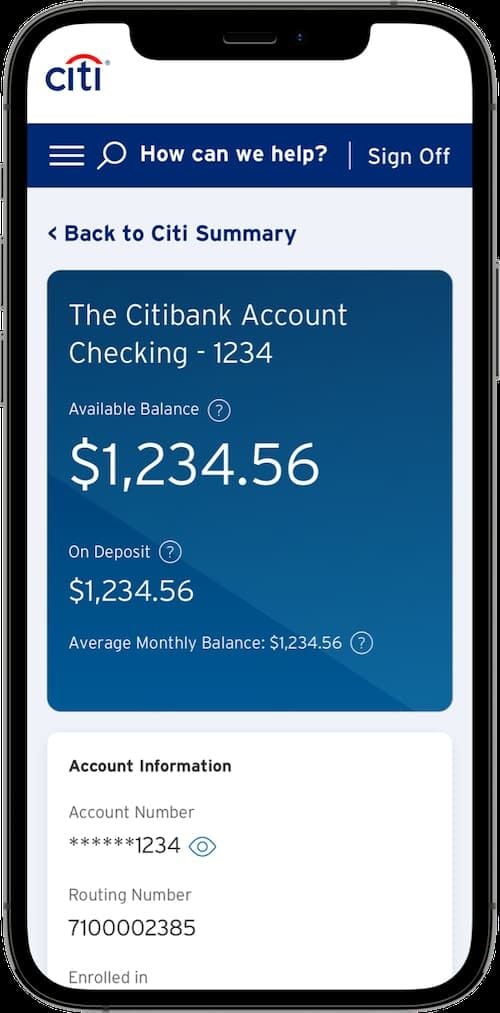
1. Account Balances: The first thing you see once you log into your account are your account balances.
2. Transaction History: Click on Transaction History for each account for a record of the same.




 Back To TOP